

How to Create AI Images for Etsy Listings with Kre8or
🚀 Make Your Etsy Listings Stand Out with Better Images
When shoppers browse Etsy, they often decide in seconds whether to click on a listing.
While your product matters, your images are usually what grab attention first.
Whether you sell digital downloads, printable artwork, planners, invitations, jewelry, or handmade products, professional visuals can help your listings look more appealing.
Instead of relying entirely on stock photos or expensive product photography, Kre8or can help you create original AI-generated visuals that support your products and strengthen your brand.
If you’d like to follow along, create a free Kre8or account and try these ideas yourself.
👉 Create Your Free Kre8or Account
Why Listing Images Matter
Your first listing image has one job:
Make someone stop scrolling.
Strong visuals can help you:
- Increase clicks.
- Present products professionally.
- Build trust.
- Reinforce your brand.
- Create a more consistent Etsy shop.
Even simple improvements can make your listings feel more polished.
Match the Image to Your Product
Your visuals should immediately communicate what you’re selling.
For example:
Digital Planner
Instead of a plain screenshot, create:
A beautifully styled home office desk featuring a tablet displaying a minimalist digital planner, soft natural lighting, elegant stationery, modern workspace.
Lifestyle-style images help customers imagine using the product.
Create a Consistent Shop Style
Successful Etsy shops often have a recognizable visual identity.
Keep elements consistent, such as:
- Color palette
- Background style
- Lighting
- Mood
- Overall aesthetic
A cohesive storefront looks more professional and memorable.
Showcase Different Use Cases
Instead of using one image, think about how customers might use your product.
Examples:
- Printable artwork displayed in a living room.
- Wedding invitation on an elegant table.
- Planner open on a desk.
- T-shirt featured in a lifestyle scene.
Showing products in context helps shoppers visualize ownership.
Leave Space for Product Information
If you plan to add text, arrows, or feature callouts later, create images with enough negative space.
This makes editing easier and keeps your listings clean.
Generate Multiple Concepts
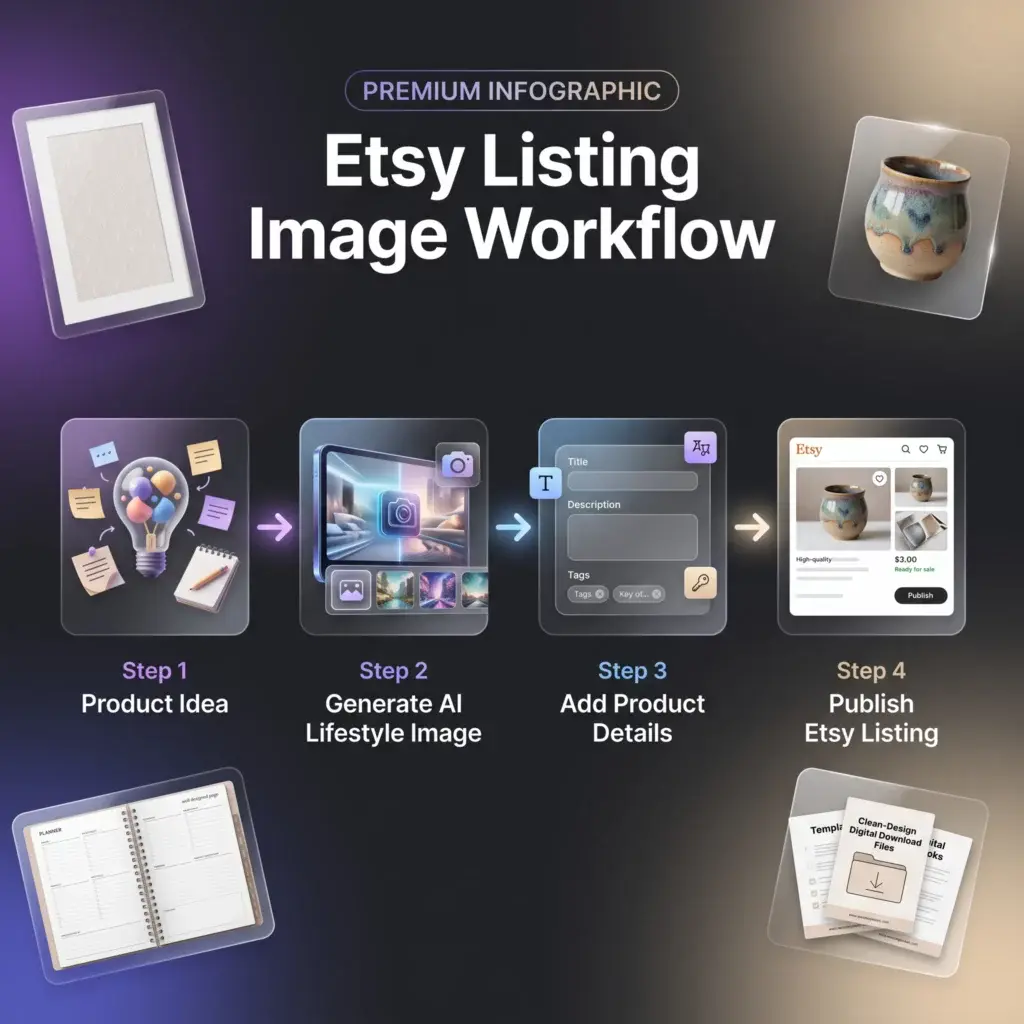
Create several image variations before choosing your final design.
Experiment with:
- Different backgrounds.
- Camera angles.
- Lighting.
- Color palettes.
Sometimes a small change dramatically improves the final presentation.
Refine with Workshops
If an image is almost perfect, use Workshops to improve lighting, mood, or composition instead of generating a completely new image.
Refining often saves time while producing stronger visuals.
Build Templates for Future Listings
As your Etsy shop grows, save successful prompts for different product types.
For example:
- Digital planners
- Printable wall art
- Invitations
- Jewelry
- Stickers
- Templates
This creates a repeatable workflow for future products.
Common Mistakes Etsy Sellers Make
Avoid these common issues:
- Cluttered backgrounds.
- Inconsistent branding.
- Poor lighting.
- Generic-looking visuals.
- Images that don’t clearly represent the product.
Clean, focused images help shoppers understand your listing quickly.
Final Thoughts
Professional listing images don’t always require expensive photography.
With thoughtful prompts and a consistent visual style, Kre8or can help Etsy sellers create attractive graphics that complement their products and strengthen their brand.
The goal isn’t simply to create beautiful images.
It’s to create visuals that encourage shoppers to click and explore your listings.
🚀 Ready to Create Better Etsy Listing Images?
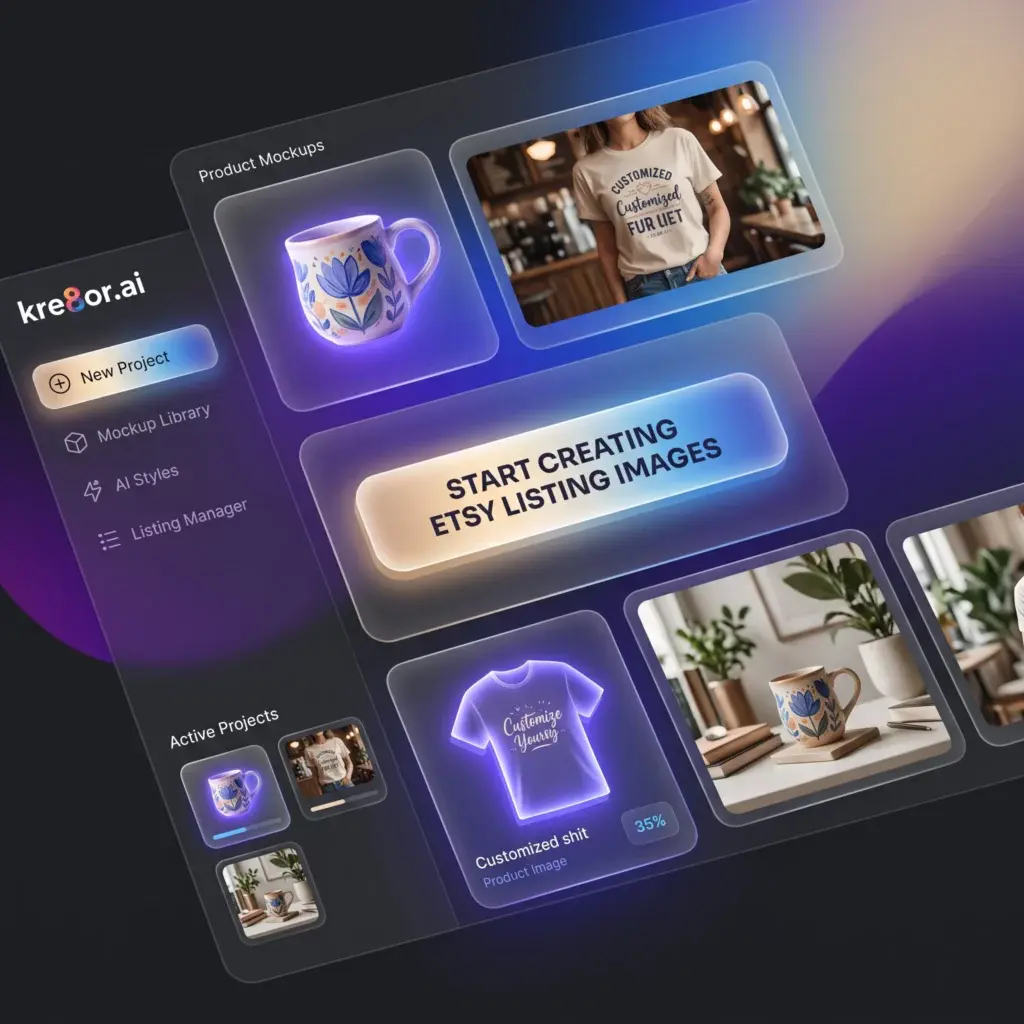
Start experimenting with custom AI-generated visuals in Kre8or and discover how original graphics can improve the presentation of your Etsy products.
👉 Create Your Free Kre8or Account