
How YouTubers Can Create Better Thumbnails with Kre8or
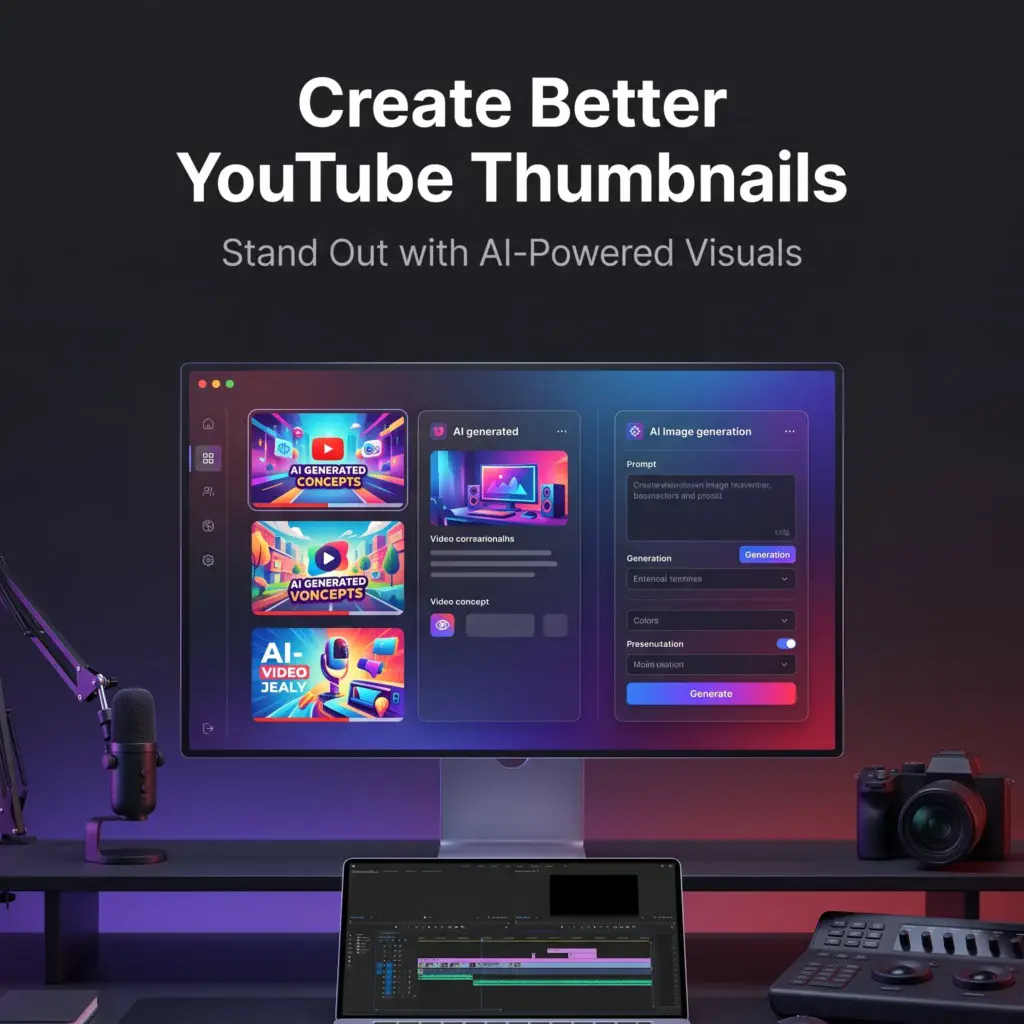
🚀 Get More Clicks with Better YouTube Thumbnails
A great video deserves a great thumbnail.
Even if your content is excellent, a weak thumbnail can reduce clicks and limit your video’s reach.
The good news is that creating professional-looking thumbnails no longer requires advanced design skills.
With Kre8or, you can generate original visuals that grab attention and support your video’s message.
If you’d like to follow along, create a free Kre8or account and try these ideas yourself.
👉 Create Your Free Kre8or Account
Why Thumbnails Matter
Your thumbnail is often the first thing viewers notice.
Along with your title, it determines whether someone clicks—or keeps scrolling.
An effective thumbnail should:
- Capture attention quickly.
- Clearly represent the video’s topic.
- Create curiosity without being misleading.
- Stay readable on mobile devices.
Original AI-generated graphics can help your videos stand out instead of relying on generic stock images.
Start with Your Video Topic
Before generating an image, ask yourself:
What is the main idea I want viewers to understand instantly?
For example:
Video: Top 10 AI Tools for Bloggers
Instead of a generic laptop image, generate:
A modern content creator workspace with multiple AI dashboards, vibrant lighting, clean desk setup, cinematic style.
The thumbnail immediately communicates the subject.
Keep One Strong Focal Point
Busy thumbnails are easy to ignore.
Choose one clear subject and let it dominate the image.
Examples include:
- A workspace
- A product
- A concept
- A dramatic background
Simple images are usually more effective than cluttered designs.
Leave Space for Text
Many YouTubers add large text to their thumbnails.
When creating your image, intentionally leave empty space so titles remain easy to read.
Negative space is one of the simplest ways to improve thumbnail design.
Use Bold Colors
YouTube is crowded.
Bright contrast and vibrant colors help your thumbnail stand out against other videos.
Experiment with:
- Blue and orange
- Purple and gold
- Black and red
- Bright cyan
Consistency also helps build a recognizable channel.
Create Multiple Versions

Professional creators rarely settle for the first design.
Generate several variations and compare:
- Lighting
- Composition
- Background
- Color balance
Even small differences can affect click-through rates.
Refine with Workshops
If your image is close but not perfect, use Workshops to improve:
- Lighting
- Mood
- Composition
- Background details
This is often faster than generating an entirely new image.
Build a Thumbnail Style Guide
As your channel grows, create a repeatable style.
For example:
- Similar color palette
- Consistent backgrounds
- Matching lighting
- Recognizable visual themes
A consistent look helps viewers recognize your videos instantly.
Common Thumbnail Mistakes
Avoid these common problems:
- Too many visual elements.
- Tiny text that’s unreadable on mobile.
- Weak contrast.
- Generic stock-looking images.
- Thumbnails that don’t match the video.
Keeping your designs clean and focused usually leads to better results.
Final Thoughts
Your thumbnail is one of the most important marketing tools for every YouTube video.
By creating custom AI-generated visuals with Kre8or, you can produce unique thumbnails that reinforce your content, strengthen your brand, and help your videos stand out.
The goal isn’t to create flashy graphics.
It’s to create images that encourage the right viewers to click.
🚀 Ready to Create Better YouTube Thumbnails?

Try these techniques in Kre8or and experiment with different visual styles until you find one that fits your channel.
👉 Create Your Free Kre8or Account