
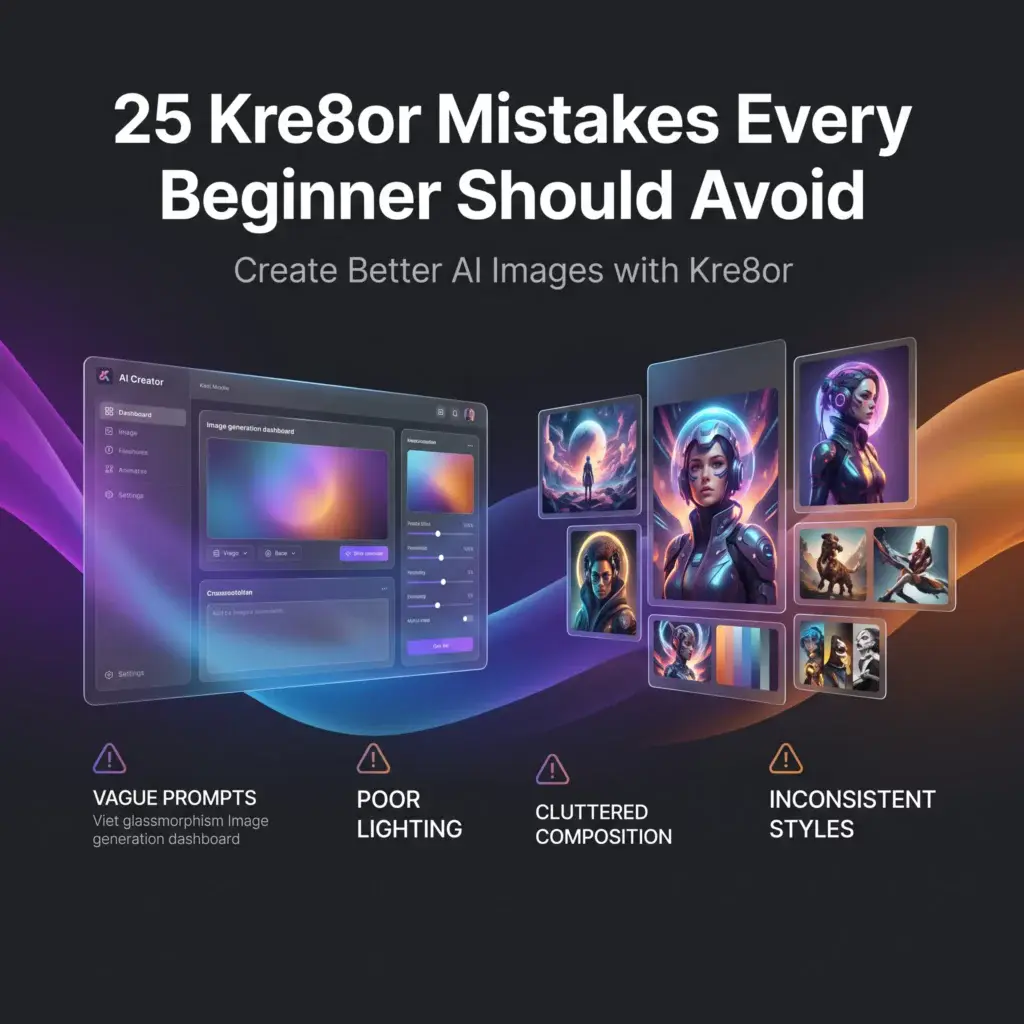
25 Kre8or Mistakes Every Beginner Should Avoid
🚀 Get Better Results by Avoiding These Common Mistakes
Creating great AI images isn’t about luck—it’s about knowing what works.
Most beginners don’t struggle because Kre8or isn’t powerful. They struggle because they make a handful of common mistakes that lead to disappointing results.
The good news is that nearly all of these mistakes are easy to fix.
In this guide, you’ll learn 25 practical tips that can immediately improve your AI artwork, whether you’re creating images for social media, blogging, marketing, or personal projects.
If you’re new to the platform, create a free Kre8or account and try these tips as you read.
👉 Create Your Free Kre8or Account
1. Writing Prompts That Are Too Short
Typing “dragon” or “castle” rarely produces your best results.
Instead, describe the subject, environment, lighting, and style.
Better example:
An ancient stone castle overlooking a stormy ocean at sunset, cinematic realism, dramatic clouds.
For more prompt-writing techniques, read How to Write Better AI Image Prompts for Kre8or.
2. Making Prompts Too Long
The opposite problem is trying to include every idea at once.
Focus on one clear subject instead of combining unrelated concepts. Simpler prompts often produce cleaner, more coherent images.
3. Ignoring Lighting
Lighting changes the mood of an image dramatically.
Experiment with:
- Golden hour
- Soft morning light
- Neon reflections
- Studio lighting
- Candlelight
- Dramatic shadows
A small lighting adjustment can completely transform an image.
4. Forgetting Composition
Don’t only describe what you want.
Describe how you want to see it.
Examples include:
- Close-up
- Wide-angle
- Low-angle
- Bird’s-eye view
- Macro shot
5. Using the Same Style Every Time
Try different artistic styles.
Some favorites include:
- Cinematic
- Fantasy
- Watercolor
- Anime
- Oil Painting
- Noir
Experimenting helps you discover what best fits your project.
6. Expecting Perfection on the First Try
Professional creators rarely keep the first result.
Generate several versions, compare them, and build from the strongest image.
7. Skipping Workshops
If an image is close—but not quite right—don’t immediately start over.
Use Workshops to refine lighting, mood, composition, and artistic direction before generating a completely new image.
8. Never Looking at the Gallery
One of the fastest ways to improve is studying what other creators are producing.
Notice:
- Color choices
- Composition
- Prompt ideas
- Artistic styles
Great artists learn by observing other great artists.
9. Copying Prompts Without Changing Them
There’s nothing wrong with using inspiration.
But always personalize prompts to fit your own creative goals.
Small adjustments often produce completely different results.
10. Forgetting the Background
Backgrounds tell part of the story.
Compare:
A wolf.
with
A lone wolf standing on a snowy mountain during sunrise.
The second instantly creates more atmosphere.

11. Ignoring Color
Adding color descriptions can completely change an image.
Examples:
- Warm golden tones
- Cool blue lighting
- Vibrant tropical colors
- Black and gold luxury palette
12. Changing Too Many Things at Once
If you’re trying to improve a result, only change one or two elements.
Otherwise, you won’t know what actually made the image better.
13. Not Saving Good Prompts
Whenever you create an image you love, save the prompt.
Build your own prompt library over time.
It will save hours of future work.
14. Forgetting the Mood
Words like:
- Peaceful
- Dramatic
- Mysterious
- Epic
- Cozy
- Elegant
help the AI understand the feeling you’re trying to create.
15. Using Generic Subjects
Instead of:
A car
Try:
A classic red convertible parked beside a coastal highway during sunset.
Specificity produces better results.
16. Ignoring Perspective
Changing the camera angle often creates more dynamic images.
Try:
- Overhead view
- Eye level
- Low perspective
- Side profile
17. Creating Without a Goal
Before writing your prompt, ask:
“What is this image for?”
A blog header needs a different style than a YouTube thumbnail or a social media post.
18. Not Experimenting
Some of the best AI artwork comes from trying unexpected combinations of styles, lighting, and environments.
Don’t be afraid to experiment.
19. Forgetting Negative Space
If you plan to add text later, leave room in your composition.
This is especially useful for blog featured images and social media graphics.
20. Ignoring Aspect Ratio
Think about where the image will be used.
For example:
- Wide for blog banners
- Square for Instagram
- Vertical for Pinterest or Stories
Planning ahead saves editing later.
21. Generating Only One Version
Even when your first image looks good, generate two or three alternatives.
You may discover an even stronger composition.
22. Rushing the Creative Process
The best AI images are often refined over several iterations.
Take your time.
Creativity isn’t a race.
23. Never Reviewing Your Own Work
Look back at older creations.
Ask yourself:
- What worked?
- What didn’t?
- Which prompts produced the best results?
Learning from your own images is one of the fastest ways to improve.
24. Not Learning From Other Creators
Browse the Gallery regularly.
Pay attention to trends, styles, and creative approaches that inspire you.
Then adapt those ideas into your own unique work.
25. Giving Up Too Quickly
Every experienced AI creator has generated disappointing images.
The difference is they kept refining.
Treat every generation as another step toward your final vision.
Final Thoughts
Improving your AI artwork isn’t about discovering secret prompts.
It’s about building better creative habits.
Start with clear prompts.
Experiment with lighting and composition.
Study successful images.
Use Workshops to refine your creations.
And most importantly—keep practicing.
The more you create, the more naturally you’ll understand what produces great results.
🚀 Ready to Improve Your AI Images?
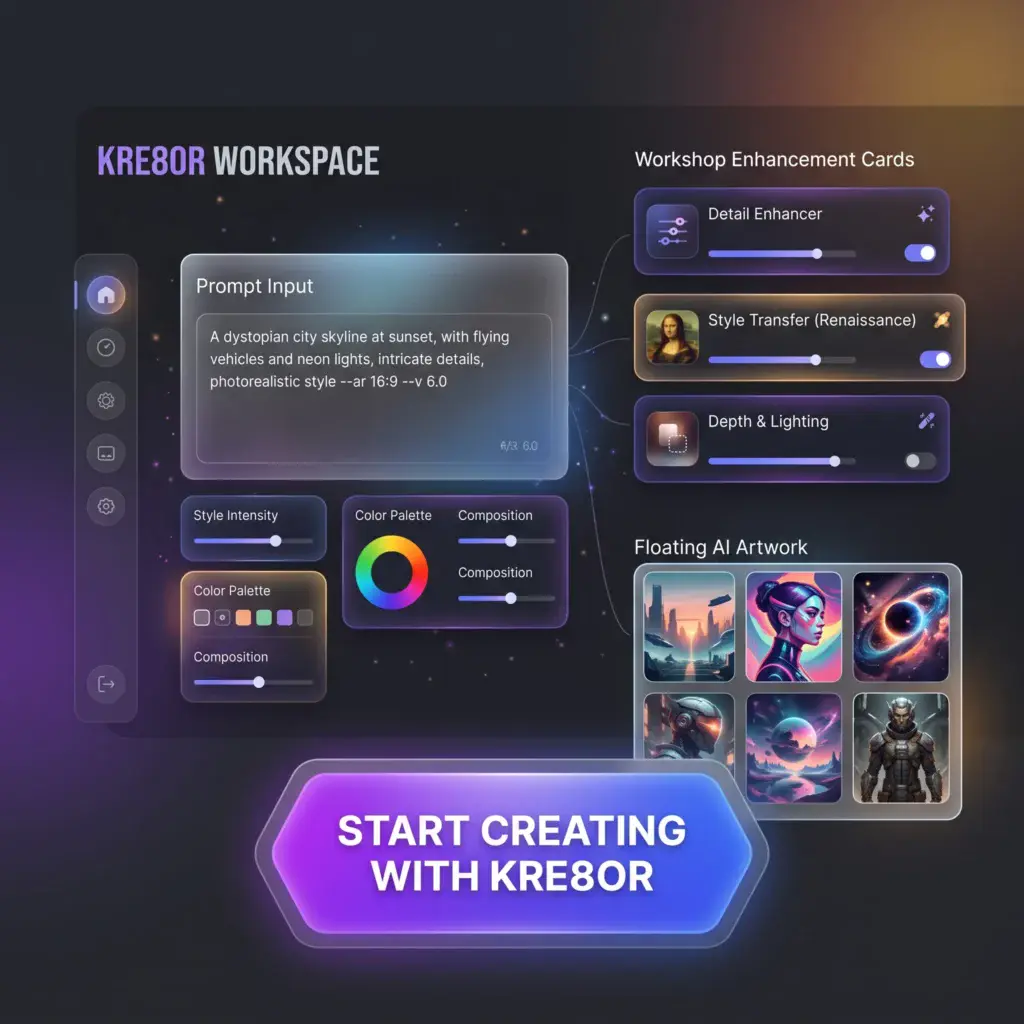
The fastest way to become a better AI creator is through hands-on practice.
Open Kre8or, apply a few of these tips, and compare your results.
👉 Create Your Free Kre8or Account
Continue Learning
If you found this guide helpful, continue with these resources: