
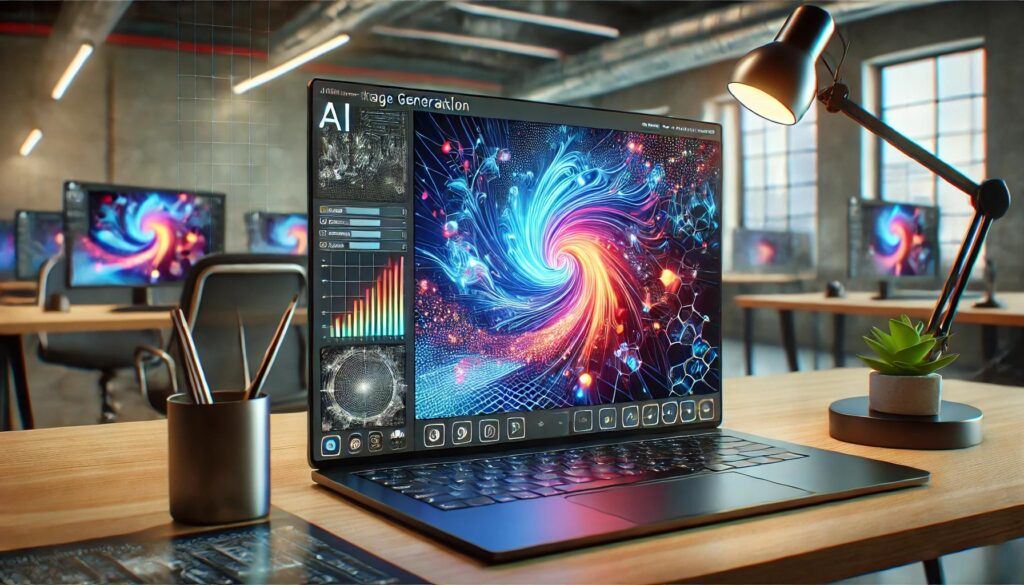
If you’ve recently discovered Kre8or, you might be wondering where to start.
The good news is that Kre8or is designed to be easy for beginners while offering powerful tools for experienced creators. Whether you want to generate AI artwork, create marketing visuals, design social media graphics, or simply experiment with creative ideas, you can get started in just a few minutes.
If you’re still deciding whether Kre8or is the right platform for you, be sure to read our Kre8or AI Review, where we cover its features, pricing, pros, cons, and how it compares with other AI image generators.
👉 Create your free Kre8or account:
In this guide, we’ll walk through the basics so you can start creating with confidence.
Step 1: Create Your Kre8or Account
Getting started is simple.
Create your account, sign in, and you’ll have access to Kre8or’s AI image generation tools and creator-focused features.
Once you’re logged in, spend a few minutes exploring the interface before generating your first image.
Step 2: Enter Your First Prompt
Every AI image begins with a prompt—a short description of what you want Kre8or to create.
Some simple examples include:
- A futuristic city at sunset
- A cozy mountain cabin in winter
- A colorful tropical beach
- A cyberpunk street at night
- A luxury coffee shop interior
Don’t worry about writing the perfect prompt right away.
Simple prompts often create surprisingly impressive images.
If you’re looking for inspiration, check out our 100 Amazing Kre8or Prompts You Can Copy Today.
Step 3: Experiment with Different Styles
One prompt can produce many different results.
Try changing:
- Lighting
- Camera angle
- Colors
- Mood
- Background
- Artistic style
Small adjustments can completely transform an image.
Want even better results? Read 25 Kre8or Tips and Tricks Every Creator Should Know for practical advice that will improve your workflow.
Step 4: Use Workshop Transformations
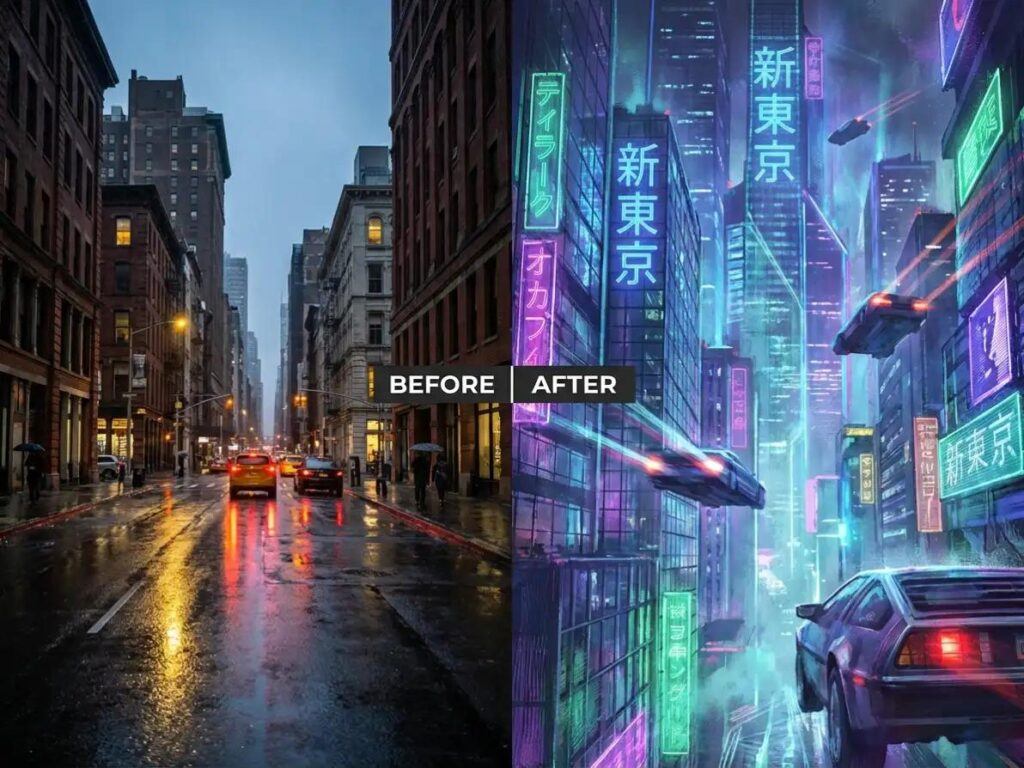
One feature that makes Kre8or stand out is Workshop Transformations.
Instead of creating a completely new prompt, you can instantly apply different artistic styles to an existing image.
This allows you to:
- Explore multiple creative directions
- Compare different artistic styles
- Improve existing artwork
- Create variations quickly
We’ll soon publish a complete guide explaining how Workshop Transformations work and how to get the best results from them.
Step 5: Publish Your Creations
Once you’re happy with an image, publish it to the public Kre8or Gallery.
Publishing your work allows other creators to discover your artwork while helping you build your creator portfolio.
If you’re creating images for your business, you may also enjoy reading Kre8or for Small Business Owners, where we explore practical business uses for the platform.
Step 6: Earn Remix Credits
Kre8or rewards creativity.
Whenever another creator remixes one of your published images, you’ll receive +5 credits.
Creating unique, high-quality artwork increases the chances that other users will remix your creations.
We’ll also be publishing a detailed guide explaining how the remix system works and how to maximize your remix rewards.
Step 7: Join Design Challenges
Kre8or is continuing to expand its creator ecosystem.
Upcoming Design Challenges will allow creators to compete in themed competitions with credit prize pools.
These events are a great opportunity to test your creativity, gain exposure, and engage with the community.
Step 8: Invite Other Creators
If you enjoy using Kre8or, you can also participate in the referral program.
By sharing your referral link, you can earn commissions when new users join through your recommendation.
We’ll also publish a dedicated guide covering how the referral program works and how to make the most of it.
Tips for Better Results
Here are a few simple ways to improve your AI images:
- Keep prompts clear and focused.
- Experiment with lighting.
- Try multiple variations.
- Save prompts that produce great results.
- Explore the community gallery for inspiration.
- Practice regularly.
Remember, every image teaches you something new.
Common Beginner Mistakes
Many new creators make the same mistakes.
Avoid these common pitfalls:
- Writing prompts that are too vague.
- Trying to describe too many ideas in one prompt.
- Giving up after the first result.
- Ignoring different artistic styles.
- Forgetting to publish your best work.
Learning comes through experimentation.
Continue Learning
Want to get even more from Kre8or? Here are some helpful resources:
- Kre8or AI Review
- 25 Kre8or Tips and Tricks Every Creator Should Know
- 100 Amazing Kre8or Prompts You Can Copy Today
- Kre8or vs ChatGPT Image Generation
- Kre8or vs Flux AI
- Kre8or vs midjourney
- Kre8or vs Ideogram
Final Thoughts
Kre8or is much more than an AI image generator.
Alongside powerful text-to-image creation, it offers Workshop Transformations, a public creator gallery, remix rewards, creator portfolios, Design Challenges, and referral commissions—making it a platform built for long-term creativity.
Whether you’re creating images for your business, blog, social media, or personal projects, Kre8or gives you the tools to turn ideas into high-quality visuals in minutes.
👉 Ready to get started? Create your free Kre8or account today:
As Kre8or continues to evolve, we’ll keep this guide updated with new features, tips, and best practices, so be sure to check back regularly.