
Quick Summary
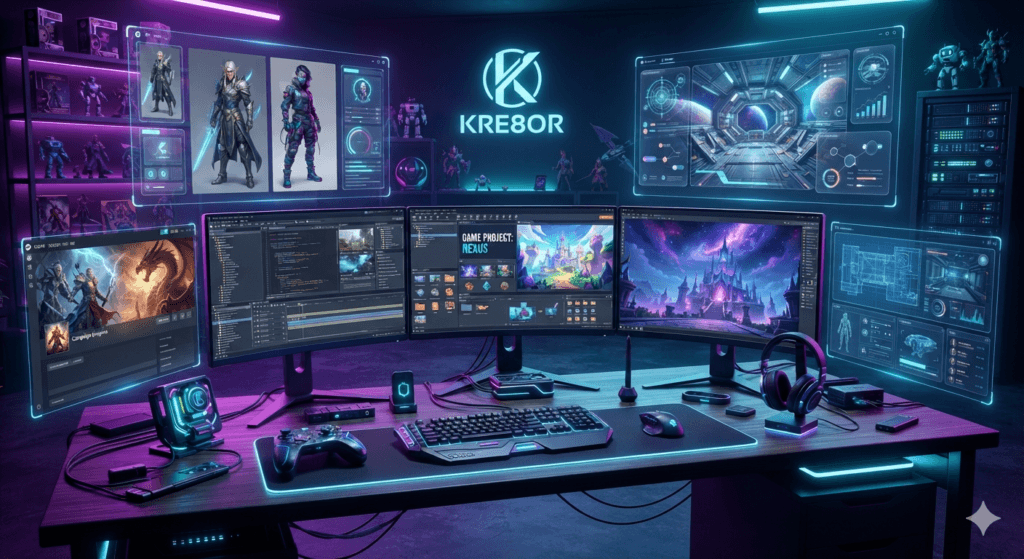
Kre8or can help game teams explore art direction and create coordinated promotional visuals for store pages, devlogs, community updates, crowdfunding, and launch campaigns.
Kre8or AI for Game Developers: Concept Art and Marketing Visuals
Game development creates a constant demand for visuals long before the final art is complete. Teams need mood boards, pitch images, devlog thumbnails, community updates, store-page graphics, crowdfunding materials, and launch campaigns while the game itself is still evolving.
Kre8or AI can help indie developers and small studios explore those ideas quickly. It is useful for early visual development and marketing concepts, especially when the team needs to communicate a world, genre, or feature before polished production assets are ready.
It should not be treated as a replacement for the artists who create final characters, environments, animation, interfaces, and production-ready assets. Its best role is rapid ideation, visual alignment, campaign planning, and promotional content that supports the development process.
Where Kre8or Fits in a Game Workflow
A game team may need visuals for internal decisions and public marketing at the same time. Kre8or can help produce references that make conversations more concrete, whether the team is choosing between two environment moods or preparing a first announcement.
- Environment and world mood boards
- Character presentation concepts
- Steam capsule directions
- Kickstarter and pitch visuals
- Devlog and YouTube thumbnails
- Discord event banners
- Website hero artwork
- Feature-announcement graphics
The important distinction is between concept exploration and final implementation. Generated images can communicate direction, but production assets still need intentional design, consistency, technical optimization, and legal review.
Define the Art Direction First
Before generating anything, write a compact art-direction brief. Include genre, era, camera perspective, color palette, material language, lighting, realism, emotional tone, and references to the player experience.
A cozy farming game might use rounded shapes, warm sunlight, hand-painted textures, and friendly natural colors. A survival-horror title may rely on constrained visibility, cold industrial surfaces, desaturated color, and threatening negative space.
Reuse the same brief in every prompt. This reduces random style changes and helps the resulting concepts feel like they belong to one game.
Copy-and-Paste Game Prompts
Fantasy RPG
Science-fiction shooter
Cozy farming game
Survival horror
Mobile puzzle game
A Five-Step Development Workflow
Steam, Store Pages, and Launch Marketing
Store-page visuals have a clear job: communicate genre, mood, and player fantasy in seconds. A beautiful image that does not resemble the game may attract the wrong audience and damage trust.
Use Kre8or to test composition and campaign direction, then make sure final capsules and banners align with actual gameplay. Screenshots, logos, ratings, platform marks, and required text should be added from accurate source files.
Create a coordinated set for the launch: a main capsule concept, wide hero, vertical key art, social announcement, update banner, press-kit image, and thumbnail system. Reusing one visual language makes the game easier to recognize.
Community and Devlog Content
Long development cycles require regular communication. Kre8or can help create recurring devlog covers, roadmap backgrounds, patch-note graphics, community-event banners, countdown posts, and seasonal update concepts.
A template-based approach works best. Keep the same border, palette, logo position, and typography treatment while changing the central image. This helps followers identify updates immediately.
Common Mistakes to Avoid
- Using concepts that do not match actual gameplay
- Mixing unrelated art styles across the campaign
- Treating generated images as production-ready assets
- Including unreadable AI-generated text
- Ignoring Steam and platform size requirements
- Publishing without checking visual artifacts or rights concerns
The best marketing sets honest expectations. Let Kre8or accelerate ideation, but keep the final campaign grounded in the game players will actually experience.
Use Visual Concepts to Improve Team Communication
Visual exploration can also reduce misunderstandings inside a development team. Writers, programmers, artists, marketers, and producers may interpret the same written description differently. A small set of clearly labeled concepts gives everyone something concrete to discuss. Compare options against the design brief, identify what feels correct, and document the decisions that follow. The selected images should not become rigid production instructions, but they can clarify atmosphere, scale, lighting, and player emotion. Saving both approved and rejected directions creates a useful record that prevents the project from drifting back toward ideas the team already ruled out.
Frequently Asked Questions
Can Kre8or create game concept art?
It can generate early visual concepts and mood directions for characters, environments, and campaigns. Final production assets require a consistent art pipeline and professional review.
Is it suitable for indie developers?
Yes. Small teams can use it to explore ideas, communicate direction, and produce marketing concepts before a full art budget is available.
Can I make Steam capsule graphics?
Kre8or can help develop capsule-art directions. Final files should match Steam’s current specifications and accurately represent the game.
Should it replace game artists?
No. Artists solve continuity, design, animation, technical implementation, and production problems that a single generated concept cannot address.
How do I maintain consistency?
Use one art-direction brief and repeat the same palette, lighting, materials, shape language, and camera style across prompts and campaign assets.
Related Guides
Ready to Create Better Visual Content?
Use Kre8or to create original branded graphics, campaign concepts, and reusable visual workflows for your business.
Try Kre8or Free