
Quick Summary
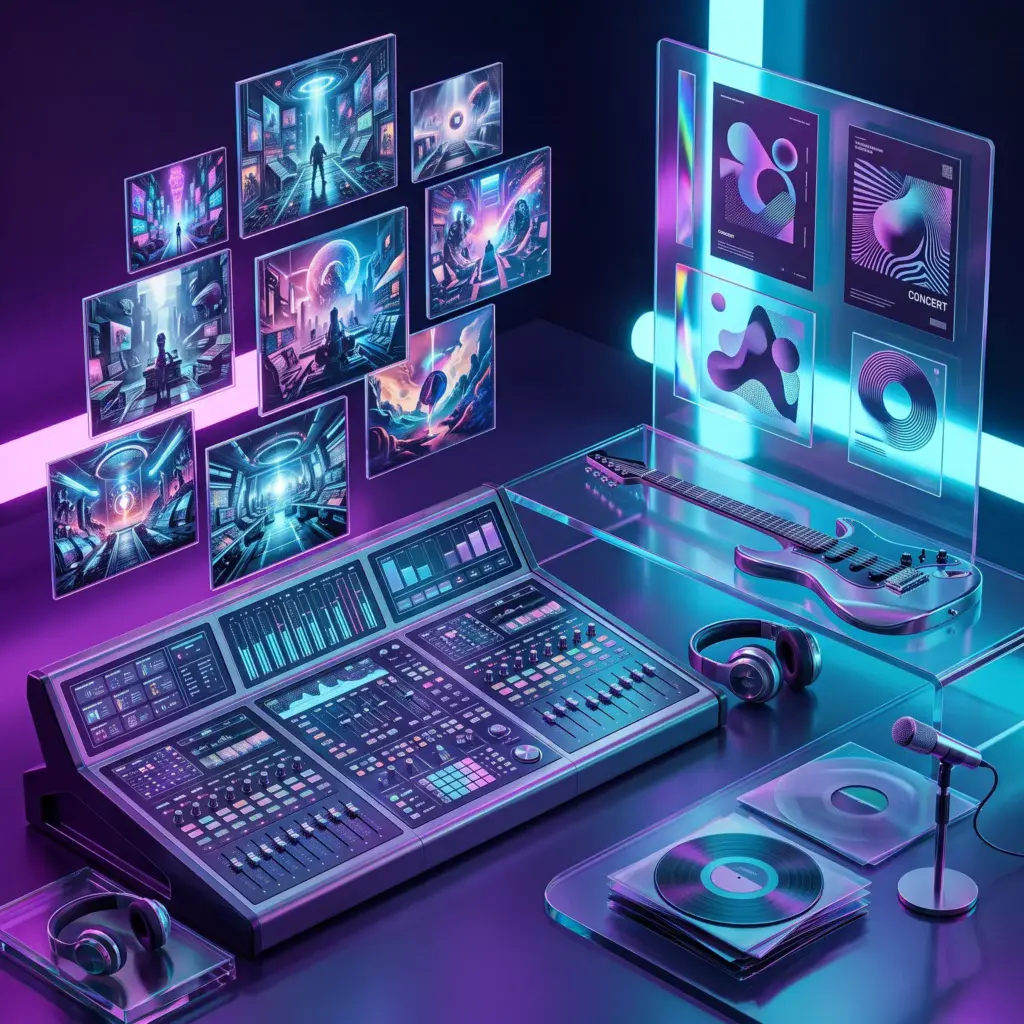
Kre8or can help artists build a recognizable visual world around their music, from release artwork and tour campaigns to merch concepts and social content.
Kre8or AI for Musicians & Bands: Album Art, Posters and Promotion
Music is heard, but artists are discovered visually. Album covers, profile images, tour posters, thumbnails, merchandise, and social posts often create the first impression before a listener presses play.
Kre8or AI gives musicians and bands a fast way to explore visual directions without designing every concept from scratch. It can help turn the feeling of a song into artwork, build a campaign around an album, and maintain a consistent identity across streaming services, websites, email, video, and live events.
The strongest results come from treating Kre8or as a creative-development tool. Use it to establish mood, color, symbolism, and composition, then finish typography, dates, logos, and platform-specific details in an editor.
Build a Visual World Around the Music
A memorable release campaign feels like one connected world. The album cover, single artwork, lyric graphics, tour poster, and merchandise should share recognizable elements even when the layouts change.
Start by translating the music into visual language. Is it intimate or explosive? Organic or synthetic? Nostalgic or futuristic? Dark or optimistic? Write down colors, locations, textures, objects, and cinematic references that match the sound.
- Album and EP cover concepts
- Single artwork variations
- Tour and concert posters
- Streaming profile banners
- YouTube thumbnails
- Press-kit graphics
- Merchandise concepts
- Fan-club and community content
Create Release Campaigns, Not Isolated Images
Instead of asking for one album cover and stopping, create a campaign system. Generate a square master concept, then explore wide banner versions, vertical poster compositions, close-up detail images, and simplified social variations.
Keep one or two signature elements across the campaign. That could be a neon symbol, a desert landscape, a handwritten texture, a recurring character silhouette, or a distinctive color gradient.
This approach makes the release more recognizable in crowded feeds and gives fans a stronger sense of the artist’s world.
Copy-and-Paste Music Prompts
Indie rock
Synthwave
Acoustic folk
Hip-hop
Electronic dance music
A Five-Step Artist Workflow
Concert Posters and Tour Promotion
Tour artwork has to capture attention and communicate information quickly. Use Kre8or to develop the background concept and overall atmosphere, but add venue names, dates, ticket links, sponsor logos, and legal details afterward.
Create a master tour poster with enough negative space for changing dates. Then adapt it for venue screens, social stories, square posts, email banners, and local promoter assets.
For a multi-city tour, preserve the same visual language while changing one element for each location. This creates variety without losing campaign recognition.
Merchandise and Fan Content
Kre8or can help explore T-shirt graphics, poster art, vinyl color themes, sticker sets, tote designs, and limited-edition visual concepts. Use these outputs as references and confirm print quality, separations, licensing, and production requirements with the final designer or manufacturer.
Artists can also create fan-engagement content such as lyric backgrounds, countdown graphics, anniversary posts, behind-the-scenes series covers, and playlist artwork. A reusable prompt system makes these recurring assets much faster to produce.
Common Mistakes to Avoid
- Changing the visual identity for every single
- Putting generated text directly into final artwork
- Using imagery that feels unrelated to the music
- Overcrowding posters with too many effects
- Forgetting platform crops and safe areas
- Publishing unreviewed artwork with accidental visual artifacts
A strong visual campaign should amplify the music rather than compete with it. Keep the central idea clear, use typography deliberately, and make sure every asset still feels like the same artist.
Turn One Release into Months of Content
A finished release does not stop being useful after launch week. Revisit the same visual world for acoustic versions, remixes, live-session videos, anniversary posts, playlist placements, press mentions, and fan milestones. By keeping the original palette, textures, and symbols, each new asset strengthens recognition instead of restarting the brand from zero. This also makes content planning easier because the creative direction is already approved. Build a small folder of reusable backgrounds, close-up details, and alternate crops so future posts can be created quickly without weakening the identity of the campaign.
Frequently Asked Questions
Can Kre8or create album-cover concepts?
Yes. It can generate a wide range of visual directions for albums, singles, EPs, and playlists. Add final typography and production details in an editor.
Can I create concert posters?
Yes. Use Kre8or for the background artwork and campaign concept, then add dates, venues, prices, sponsors, and ticket information as editable text.
Is it useful for independent artists?
Independent artists can use it to explore professional-looking directions without commissioning every early concept. Final design decisions and rights checks still matter.
Can bands use Kre8or for merchandise?
It can help generate merchandise concepts and visual references. Final files should be prepared to the printer’s technical specifications and reviewed for originality and usability.
How do I keep release artwork consistent?
Choose a recurring palette, texture, symbol, composition style, and emotional tone. Reuse that creative recipe across every asset in the release campaign.
Related Guides
Ready to Create Better Visual Content?
Use Kre8or to create original branded graphics, campaign concepts, and reusable visual workflows for your business.
Try Kre8or Free