
How to Use Kre8or for YouTube Creators: AI Thumbnails, Branding & More
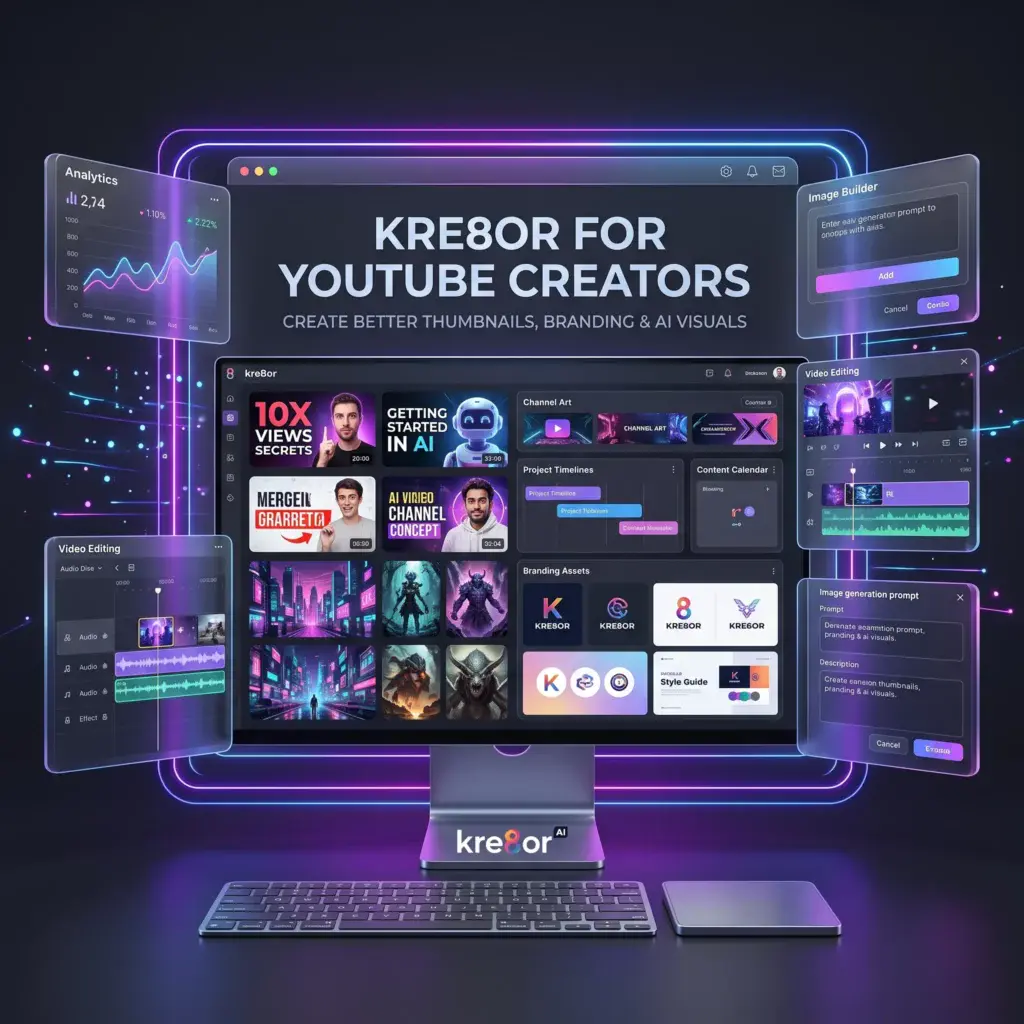
Growing a YouTube channel takes more than producing great videos.
Before someone watches your content, they notice your thumbnail. They see your channel branding, your playlist artwork, and the overall visual style of your channel.
Creating those graphics consistently can be challenging, especially if you’re not a designer.
That’s where Kre8or comes in.
Kre8or helps YouTube creators generate original AI-powered artwork for thumbnails, channel branding, promotional graphics, and more—all while keeping a consistent visual identity.
👉 Create your free Kre8or account here:
Why Visual Branding Matters on YouTube
People often decide whether to click a video in seconds.
Strong visuals can help:
- Improve click-through rates
- Build a recognizable brand
- Create consistency across videos
- Make playlists more attractive
- Increase viewer trust
A memorable visual identity can make your channel stand out in a crowded niche.
What Can YouTube Creators Create with Kre8or?
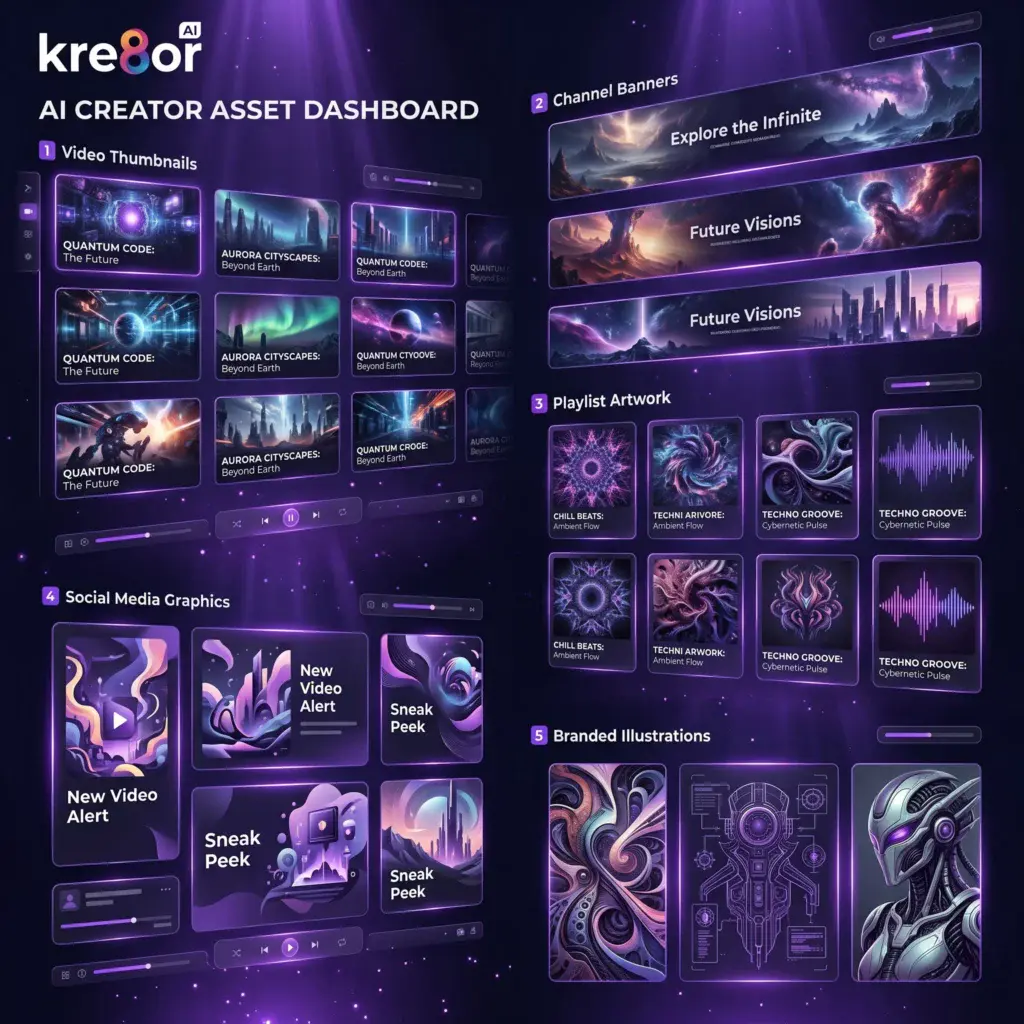
Thumbnail Concepts
Generate eye-catching backgrounds and creative concepts for video thumbnails.
Channel Art
Design banner artwork that reflects your channel’s style and topic.
Video Illustrations
Create custom graphics to support tutorials, explainers, and storytelling videos.
Community Posts
Produce visuals for YouTube’s Community tab to keep your audience engaged between uploads.
Social Media Promotion
Reuse your artwork across LinkedIn, Instagram, Facebook, Pinterest, and X to promote new videos.
Brand Characters
Develop recurring AI characters or mascots that become part of your channel identity.
A Simple YouTube Workflow

Step 1 – Plan Your Video
Think about:
- Your audience
- The video’s message
- The emotion you want the thumbnail to convey
Step 2 – Create Artwork in Studio
Use Kre8or Studio to generate visuals that match your video’s theme.
Related Guide: Kre8or Studio Explained
Step 3 – Choose a Style
Different channels suit different artistic styles.
Examples:
- Hyperrealism
- Cinematic
- Minimalism
- Comic Book
- Anime
- Cyberpunk
Related Guide: Kre8or Styles Explained
Step 4 – Refine with Workshops
Use Workshops to improve:
- Lighting
- Composition
- Color
- Mood
- Visual impact
Related Guide: Kre8or Workshops Explained
Step 5 – Build Consistency
Create recurring design elements such as:
- Similar backgrounds
- Brand colors
- Character styles
- Thumbnail layouts
This helps viewers instantly recognize your content.
Character Creation for YouTube Branding
Many successful channels use recognizable characters or mascots.
Kre8or’s Character Creation tools can help you generate consistent AI personalities for:
- Educational channels
- Gaming channels
- Storytelling videos
- Entertainment content
- Brand mascots
Related Guide: Kre8or Character Creation
Save Time Without Sacrificing Quality
Instead of designing every visual manually, Kre8or allows creators to:
- Generate multiple concepts quickly
- Test different visual styles
- Maintain consistent branding
- Create unique artwork for every upload
Tips for Better YouTube Graphics
- Keep thumbnails simple.
- Use strong contrast.
- Leave space for text overlays.
- Build a recognizable visual style.
- Save successful prompts.
- Refine images with Workshops before exporting.
Need inspiration?
Which Kre8or Plan Is Best for YouTubers?
Creators uploading occasionally may find the Spark plan sufficient.
Channels producing videos regularly may benefit from the Creator plan, which includes more credits and storage for ongoing content creation.
Read Kre8or Pricing Explained for a complete comparison.
Frequently Asked Questions
Can I use Kre8or images in YouTube thumbnails?
Yes, provided your subscription includes the appropriate commercial rights. Always check Kre8or’s latest licensing terms.
Can Kre8or replace Photoshop?
Not entirely. Kre8or excels at generating original AI imagery, while Photoshop remains a powerful editing tool. Many creators use both together.
Is Kre8or beginner-friendly?
Yes. The Studio interface, Workshops, and built-in styles make it approachable even if you’ve never created AI artwork before.
Related Guides
- ⭐ Kre8or AI Review
- 💰 How to Make Money with Kre8or
- 🤝 Kre8or Affiliate Program Explained
- 💳 Kre8or Pricing Explained
- 📝 Kre8or for Bloggers
- 📱 Kre8or for Social Media Managers
- 💼 Kre8or for Affiliate Marketing
- 🏢 Kre8or for Small Businesses
Final Verdict
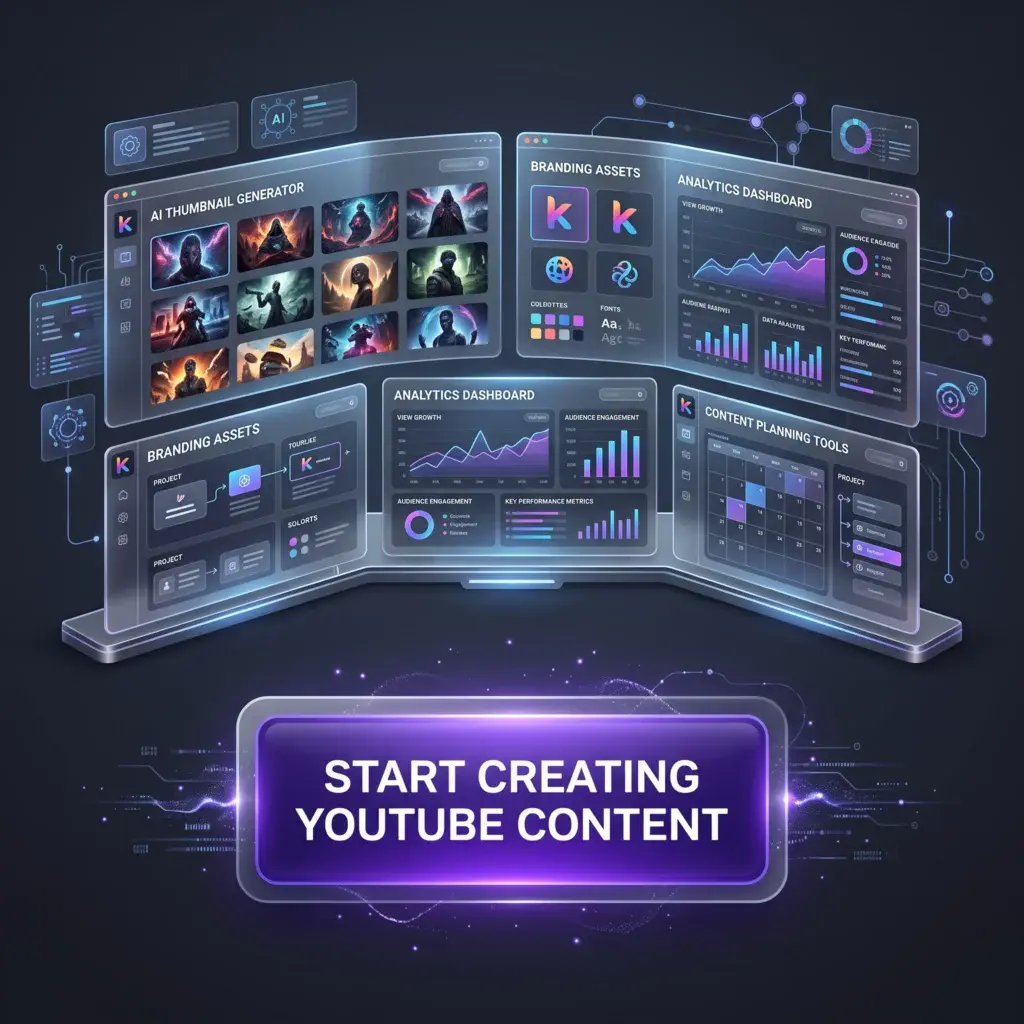
Successful YouTube channels rely on memorable visuals just as much as great content.
Kre8or helps creators develop unique branding, generate original artwork, and streamline the creative process without requiring advanced design skills.
For creators who want to stand out visually, it can become a valuable addition to their workflow.
🚀 Ready to Create Better YouTube Content?
👉 Start your free Kre8or account today and begin designing eye-catching visuals for your next video.