
Quick Summary
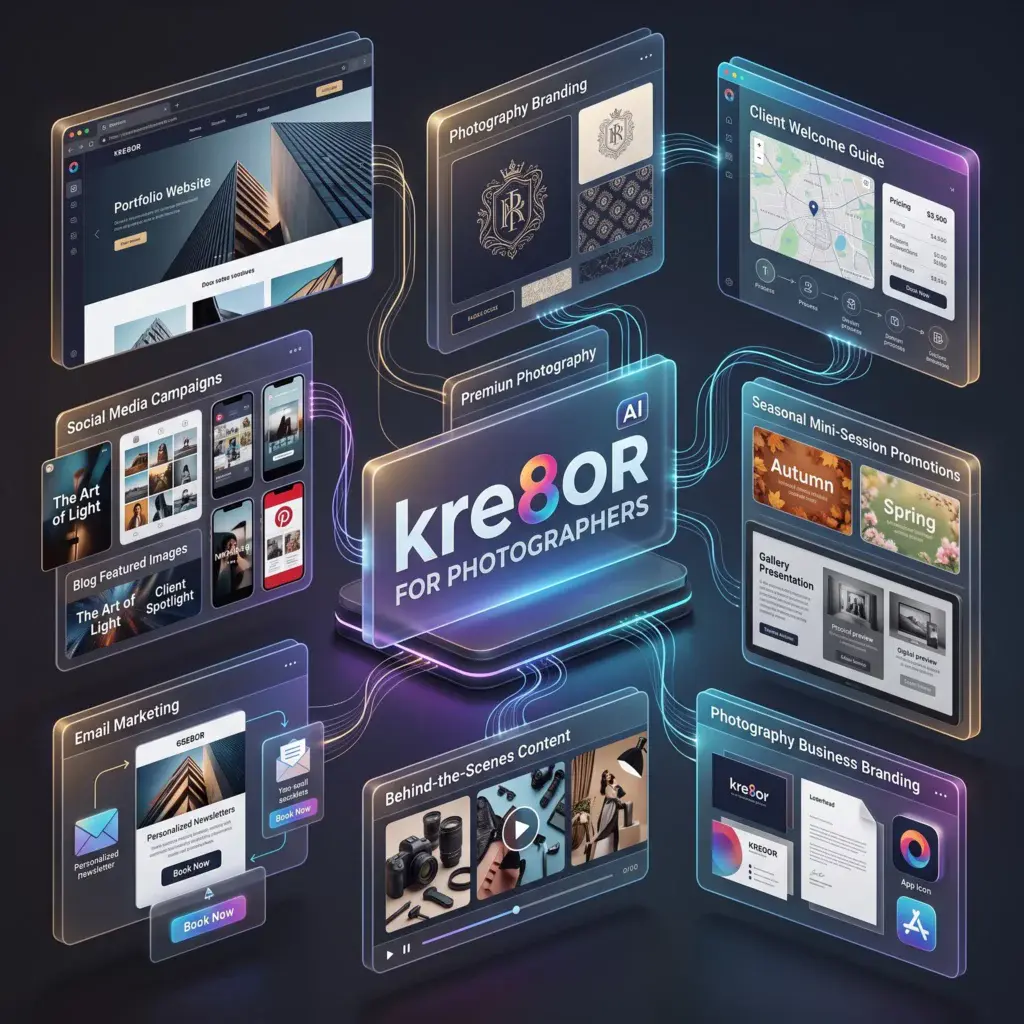
Kre8or helps photographers create supporting brand assets, website graphics, client guides, seasonal promotions, blog artwork, and social campaigns while authentic photography remains the centerpiece of the business.
How to Use Kre8or for Photographers
Why Photographers Still Need Designed Marketing Assets
A strong portfolio proves photographic ability, but a photography business also needs booking announcements, session guides, email banners, service-page graphics, blog artwork, pricing-guide covers, referral campaigns, and seasonal promotions.
Kre8or can create these supporting elements while the photographer’s original work stays at the center. This separation is important: generated imagery should not be presented as a photograph captured by the business.
Use Kre8or Without Diluting Your Portfolio
Simple rule: Use authentic photographs to demonstrate your work. Use Kre8or for graphic design support, conceptual illustrations, campaign backgrounds, editorial accents, and branded information assets.
| Asset | Role of Real Photography | Role of Kre8or |
|---|---|---|
| Portfolio page | Primary content | Section banners and subtle graphic accents |
| Mini-session campaign | Example sessions and proof | Seasonal campaign system and announcement graphics |
| Client guide | Selected examples | Cover, dividers, icons, and editorial backgrounds |
| Blog post | Event or session images | Featured graphic when original imagery is unavailable |
| Email campaign | Hero portfolio image | Branded header, frame, and callout artwork |
Create Better Website Graphics
Use Kre8or for service-page banners, location-guide artwork, blog categories, contact-page accents, testimonial sections, and educational resources. Match the generated palette and texture to the color grading, emotional tone, and composition style of the real portfolio.
Promote Seasonal Mini Sessions
Mini-session campaigns often compete in crowded feeds. Create a unified set for announcement, booking open, limited availability, last call, preparation tips, and delivery reminders.
- Holiday portraits
- Autumn family sessions
- Spring florals
- Graduation portraits
- Mother’s Day
- Corporate headshot days
- Back-to-school
- Gift certificates
Example Campaign Prompt
Elegant promotional background for autumn family mini sessions, warm amber leaves, soft natural textures, refined editorial photography-business aesthetic, spacious central area for real client photograph and booking text added later, premium but approachable, no people, no text.
Design Client Guides
Client guides reduce repetitive questions and improve the experience before a session. Create covers and section graphics for wardrobe guidance, timing, location preparation, weather plans, wedding timelines, newborn safety, product options, gallery delivery, and print ordering.
Build Educational Social Content
Educational posts establish expertise without requiring a new portfolio image every day. Topics can include session preparation, lighting advice, printing, album design, location planning, styling, backup systems, timelines, and frequently asked questions.
Workflow
Prompt Formula for Photographers
[marketing asset] + [photography specialty] + [season or campaign] + [brand mood] + [palette] + [texture] + [editorial composition] + [space for real photo or copy] + no people + no text
Common Mistakes
- Including generated images in a portfolio without clear labeling.
- Creating graphics that clash with the photographer’s editing style.
- Using too many fonts, colors, or visual motifs.
- Letting decorative graphics overwhelm real photographs.
- Publishing promotions without clear dates, prices, or booking steps.
- Using low-resolution assets on high-resolution displays or print.
Frequently Asked Questions
Can photographers use Kre8or commercially?
Check the platform’s latest commercial-use and licensing terms before using generated assets in paid campaigns or products.
Can generated images appear in a portfolio?
Only when clearly labeled as generated or conceptual. A client should never mistake them for photographs taken by the business.
Can it help wedding photographers?
Yes. It can support pricing guides, timeline resources, blog graphics, email campaigns, and studio branding while real wedding galleries remain central.
Can it create client-guide illustrations?
Yes. It is well suited to cover art, section dividers, conceptual wardrobe graphics, and branded backgrounds.
How do I match my photography style?
Describe your palette, contrast, lighting, texture, emotional tone, and composition. Use the same prompt framework across the entire asset set.
Related Guides
Ready to Create Better Visual Content?
Use Kre8or to develop original branded graphics, campaign concepts, website visuals, and reusable creative workflows.
Try Kre8or Free