
How to Turn One Kre8or Image into a Full Content Campaign
Create a Complete Visual System from One Idea
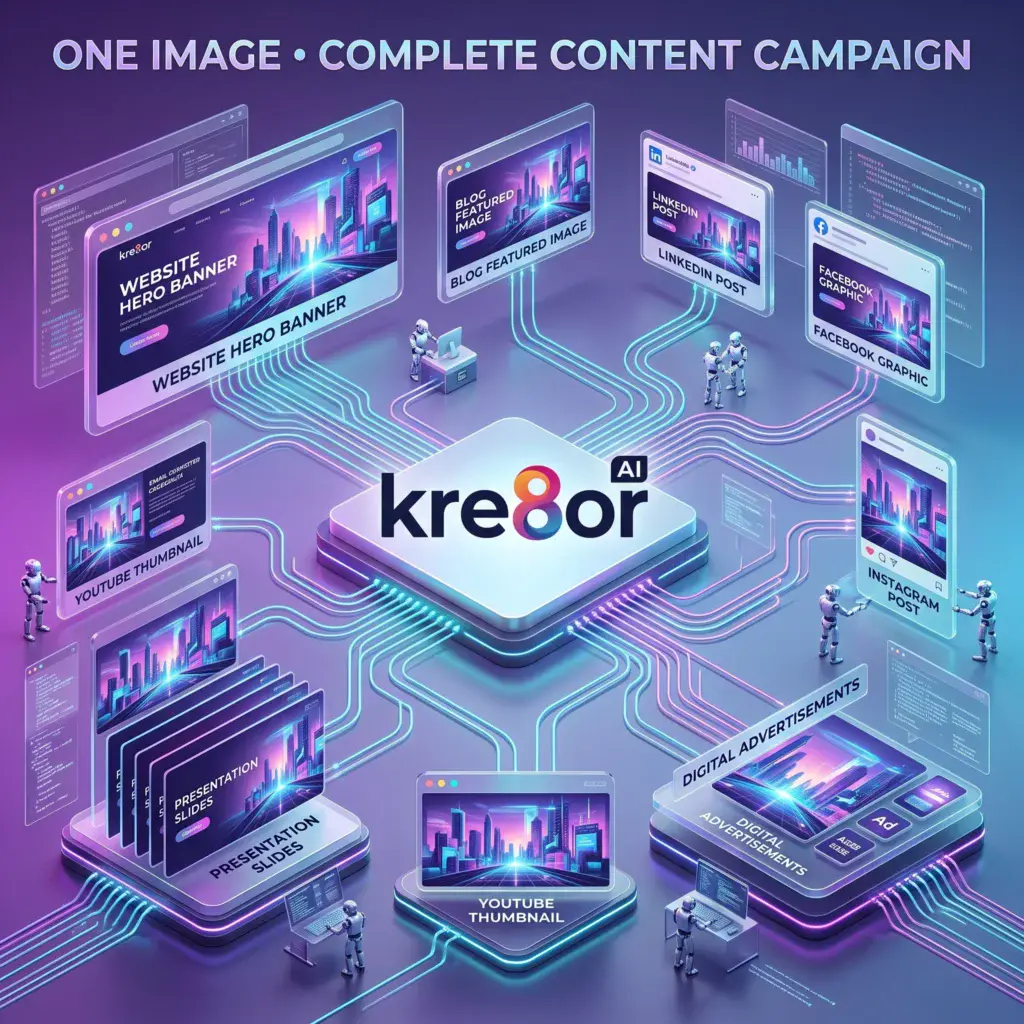
A marketing campaign rarely needs only one image.
A single launch may require:
- A website banner
- A blog featured image
- Social-media posts
- An email header
- Advertising graphics
- Pinterest pins
- Product announcements
Creating every visual separately can make the campaign feel inconsistent and consume more time than necessary.
A better approach is to begin with one strong visual concept and adapt it across every channel.
Kre8or can help you explore that central idea, generate related variations, and create a more connected campaign.
👉 Create Your Free Kre8or Account
Start with a Campaign Brief
Before generating anything, write a short brief.
Define:
- What you are promoting
- Who the campaign is for
- The main message
- The desired mood
- The brand colors
- Where the visuals will be published
For example:
Campaign: Launch of a productivity course
Audience: Freelancers and small-business owners
Mood: Focused, modern, optimistic
Colors: Purple, blue, charcoal and white
Main idea: Turning a disorganized workflow into a clear creative system
This brief becomes the foundation of every visual.
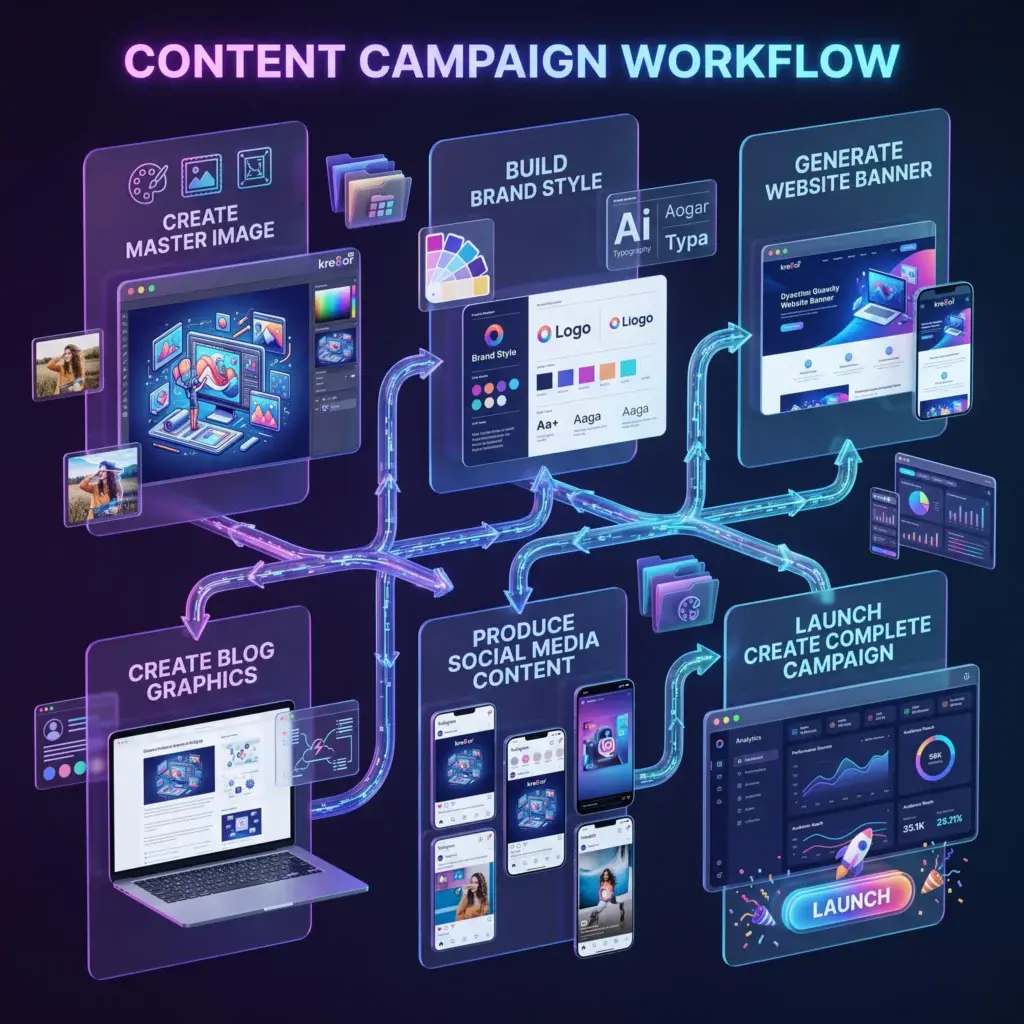
Create the Master Image
The master image establishes the campaign’s creative direction.
It does not need to fit every platform perfectly.
Its job is to define:
- The main subject
- Lighting
- Color palette
- Environment
- Mood
- Overall style
Example:
A modern freelancer workspace transforming from scattered notes and unfinished tasks into an organized digital creative system, purple and blue accent lighting, professional editorial style, clean composition, optimistic mood.
Generate several variations and select the concept that best represents the campaign.
Identify the Reusable Elements
Once you choose the master concept, write down what makes it recognizable.
For example:
- Dark charcoal background
- Purple light source
- Clean glass interface panels
- One central workspace
- Soft cinematic lighting
- Minimal composition
These details form your campaign’s visual rules.
Reuse them in every following prompt.
Create the Website Banner
Turn the concept into a wide composition.
Ask for:
- A landscape format
- Negative space for the headline
- A clear focal point
- Reduced background detail
The website banner becomes the campaign’s main visual introduction.
Create Social-Media Variations
Different platforms need different compositions.
Create:
- Square graphics for general feeds
- Vertical visuals for Pinterest
- Landscape graphics for LinkedIn or X
- Story-style vertical images
- Simplified versions for mobile screens
Keep the same colors, subject, lighting, and mood while changing the layout.
For more platform-specific advice, see How to Create Social Media Graphics with Kre8or.
Create the Blog Featured Image
The blog version should communicate the campaign topic without becoming too busy.
Leave room for a short headline and ensure the focal point remains visible at thumbnail size.
You can then publish an article explaining:
- The problem
- The new offer
- How it works
- Who it helps
- What readers should do next
For more ideas, read How Bloggers Can Use Kre8or.
Create an Email Header
Email graphics usually need to be simpler than website banners.
Use:
- One visual subject
- Minimal background details
- Strong brand colors
- A clear relationship to the campaign
Avoid including essential information only inside the image. Important messaging should also appear as live email text.
Create Advertising Concepts
Paid advertising benefits from testing.
Use the same campaign direction to generate several concepts:
- Product-focused
- Benefit-focused
- Lifestyle-focused
- Minimal
- Bold and colorful
Change one variable at a time so you can understand what makes each version different.
Do not assume an AI-generated visual will perform better simply because it looks more dramatic. Test it against your actual campaign goals.
Build a Campaign Prompt Template
Save the creative direction as a reusable structure:
Campaign subject + audience context + brand colors + lighting + visual style + platform composition + negative-space instructions
Example:
A professional freelancer organizing a creative project, dark charcoal environment, purple and blue brand accents, soft cinematic lighting, modern editorial photography, square social-media composition, clean negative space for a short headline.
For each new asset, change only the platform composition or the specific scene.
Organize the Files Clearly
Use consistent filenames such as:
campaign-name-website-banner.webp
campaign-name-blog-featured-image.webp
campaign-name-linkedin-graphic.webp
campaign-name-pinterest-pin.webp
campaign-name-email-header.webp
campaign-name-ad-concept-01.webp
Organized filenames make future campaign updates much easier.
Maintain Consistency Without Repeating Everything
Consistency does not mean publishing the exact same image everywhere.
The campaign should feel related while giving each platform an appropriate layout.
Keep the:
- Colors
- Style
- Mood
- Lighting
- Main creative idea
Change the:
- Crop
- Subject placement
- Level of detail
- Negative space
- Platform dimensions
Refine the Best Assets
Some variations will be stronger than others.
Use Kre8or Workshops to improve promising visuals and maintain the original direction.
You can also use the principles from How to Build a Consistent Brand with Kre8or to ensure the campaign fits your wider visual identity.
Common Campaign Mistakes
Avoid:
- Starting every graphic from an unrelated prompt
- Changing the brand colors between platforms
- Using the same dimensions everywhere
- Adding too many visual elements
- Forgetting mobile users
- Publishing without reviewing image accuracy
- Relying on visuals without a clear campaign message
The image should support the strategy—not replace it.
Continue Learning
- How to Create Social Media Graphics with Kre8or
- How to Build a Consistent Brand with Kre8or
- How Small Businesses Can Use Kre8or
- How Freelancers Can Save Time with Kre8or
- How to Write Better AI Image Prompts
- 25 Ways to Use Kre8or
Final Thoughts
The most efficient visual workflows do not treat every graphic as an isolated project.
They begin with one strong idea and turn it into a connected system.
By using a master image, reusable prompt direction, and platform-specific variations, Kre8or can help you create a complete campaign that looks consistent without making every asset identical.
Ready to Build Your Next Campaign?
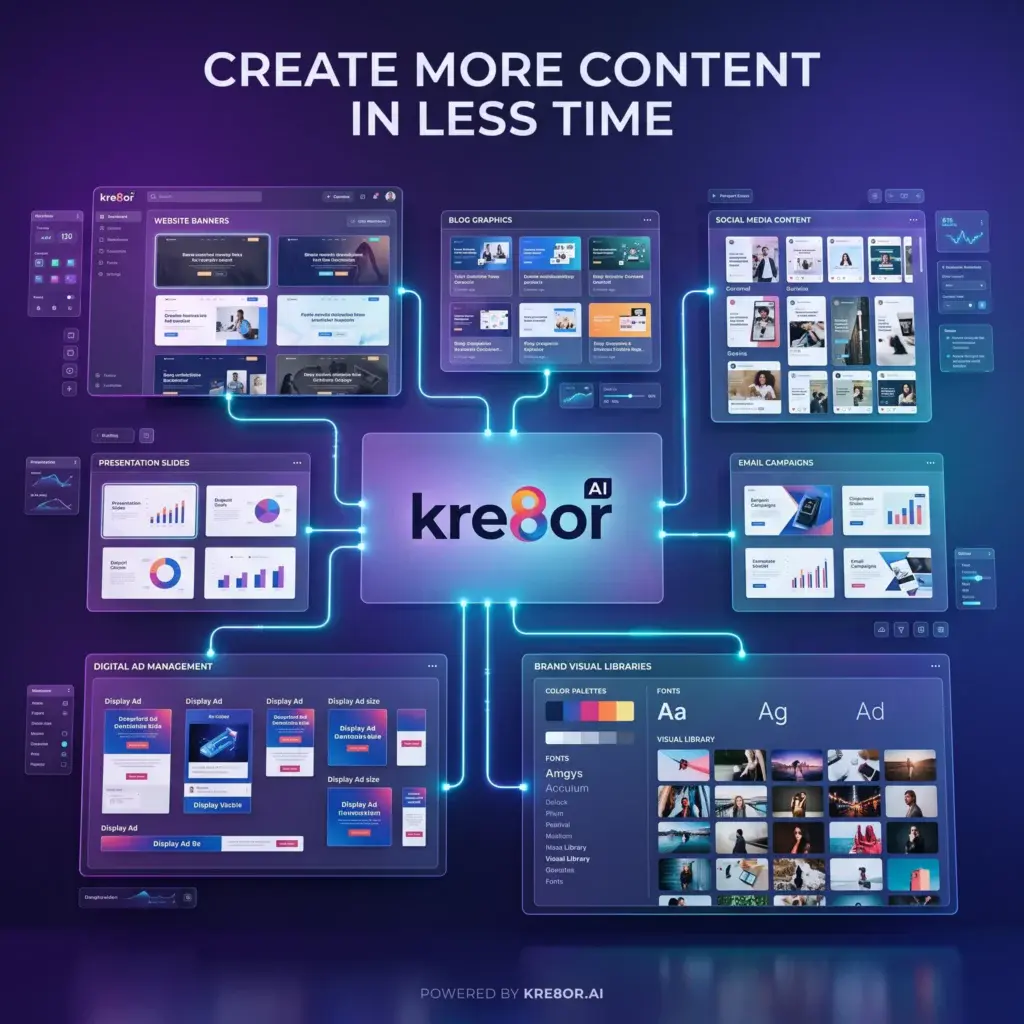
Begin with one clear visual concept and use Kre8or to expand it into a complete set of branded marketing assets.