
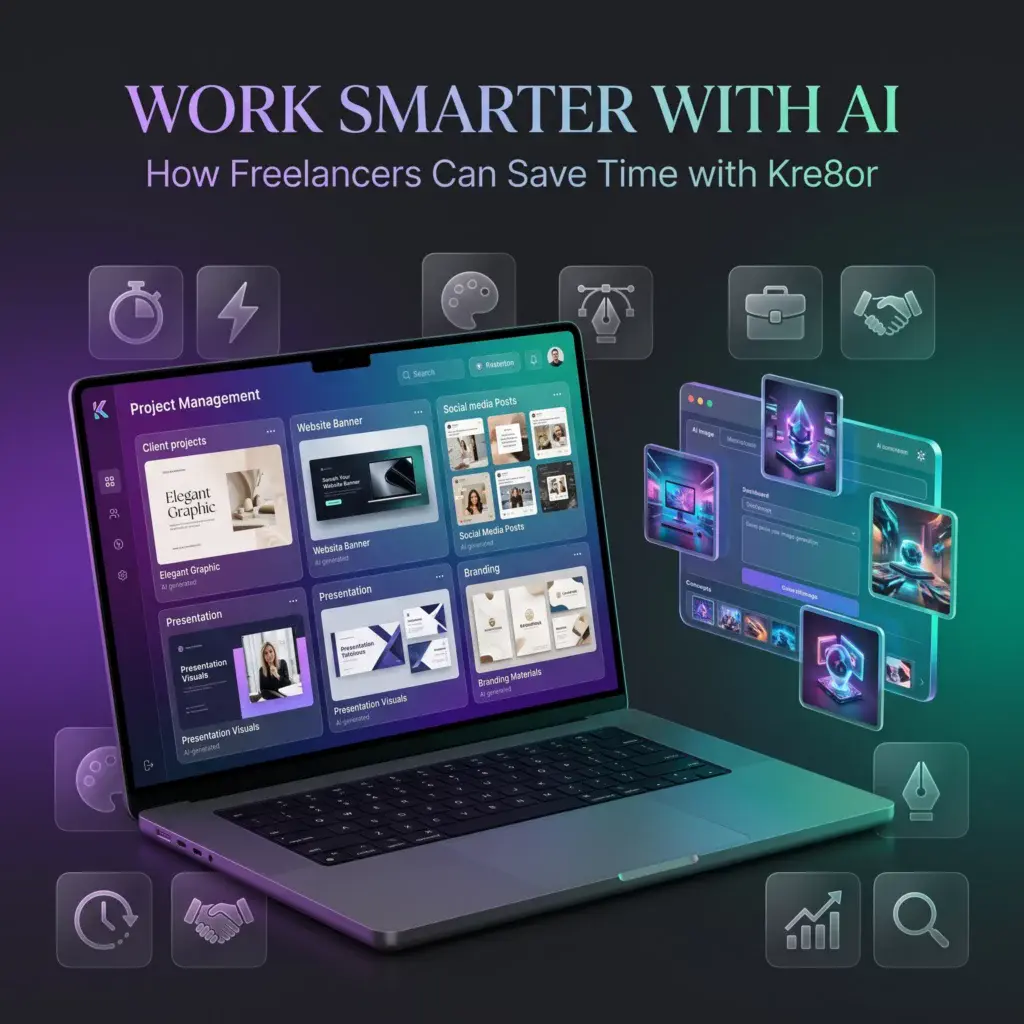
How Freelancers Can Save Time with Kre8or
🚀 Deliver Better Visuals Without Spending Hours Designing
For many freelancers, time is the most valuable resource.
Whether you’re a content writer, social media manager, marketing consultant, virtual assistant, web designer, or creative professional, clients often expect polished visuals alongside great work.
Creating those visuals from scratch can take hours.
Kre8or offers a faster way to develop original concepts, blog graphics, social media images, and marketing visuals without starting from a blank canvas every time.
If you’d like to follow along, create a free Kre8or account and explore these workflows yourself.
👉 Create Your Free Kre8or Account
Why Time Matters for Freelancers
Every hour spent searching for stock photos or creating simple graphics is an hour that could be spent serving clients or growing your business.
AI image generation doesn’t replace your expertise.
It helps reduce repetitive design tasks so you can focus on higher-value work.
Create Visual Concepts Faster
Many freelance projects begin with an idea.
Instead of spending time sketching concepts, use Kre8or to generate multiple visual directions quickly.
Examples include:
- Website hero images
- Blog illustrations
- Social media graphics
- Marketing banners
- Presentation visuals
Having several concepts makes client discussions easier.
Build Better Client Presentations
Strong visuals make proposals more engaging.
Instead of presenting pages of text, include custom AI-generated graphics that support your ideas.
Professional presentations often communicate ideas more effectively than words alone.
Support Your Content Writing
If you’re a freelance writer, AI-generated featured images can make articles more attractive.
Creating visuals that match the topic helps clients publish polished content without relying entirely on generic stock photography.
For more ideas, read How Bloggers Can Use Kre8or to Create Better Featured Images.
Create Consistent Social Media Graphics
Many freelancers manage social accounts.
Instead of designing every post from scratch, use Kre8or to develop original backgrounds, campaign artwork, and promotional visuals that match each client’s branding.
Consistency helps create a stronger online presence.
Generate Multiple Concepts for Clients

Clients often ask for options.
Instead of showing one design direction, generate several concepts with different styles, lighting, or compositions.
Offering choices can speed up feedback and make collaboration easier.
Save Your Best Prompts
As you complete projects, save prompts that consistently produce good results.
Create categories such as:
- Business
- Technology
- Healthcare
- Travel
- Real estate
- Education
A prompt library can save time on future projects.
Refine Instead of Starting Over
When a design is close to what you need, use Workshops to improve lighting, composition, or mood.
Small refinements are often quicker than creating a completely new image.
Stay Original
Using AI doesn’t mean producing generic visuals.
Adjust prompts, experiment with styles, and create artwork that reflects each client’s brand rather than using the same look for every project.
Originality is one of the easiest ways to stand out as a freelancer.
Common Mistakes Freelancers Make
Avoid these common issues:
- Using the same visual style for every client.
- Ignoring brand guidelines.
- Overcomplicating prompts.
- Relying on the first generated image.
- Forgetting to organize successful prompts.
Small workflow improvements can save hours over time.
Final Thoughts
Freelancers succeed by delivering value efficiently.
Kre8or can help speed up creative workflows by making it easier to generate ideas, develop marketing visuals, and support client projects with original AI-generated images.
Used thoughtfully, it becomes another tool that helps you spend less time on repetitive tasks and more time doing the work that matters most.
🚀 Ready to Speed Up Your Creative Workflow?

Try Kre8or on your next client project and see how AI-generated visuals can fit into your freelance workflow.
👉 Create Your Free Kre8or Account
Continue Learning
- ⭐ Kre8or AI Review
- 🛠️ How to Use Kre8or Studio
- 💡 How to Write Better AI Image Prompts for Kre8or
- ✨ Kre8or Workshops Explained
- 🎨 100 Amazing Kre8or Prompts You Can Copy Today
- 🚫 25 Kre8or Mistakes Every Beginner Should Avoid
- 📝 How Bloggers Can Use Kre8or to Create Better Featured Images
- 🎥 How YouTubers Can Create Better Thumbnails with Kre8or