

How to Create Social Media Graphics with Kre8or
🚀 Create Scroll-Stopping Social Media Graphics
Social media moves fast.
People scroll through hundreds of posts every day.
If your graphics don’t immediately capture attention, they’re easy to overlook.
Creating original visuals no longer requires advanced design skills or expensive software.
With Kre8or, you can generate unique AI-powered graphics that support your brand across multiple social media platforms.
Whether you’re promoting your business, growing a personal brand, or sharing educational content, custom visuals can help your posts stand out.
👉 Create Your Free Kre8or Account
Why Original Graphics Matter
People recognize visuals before they read captions.
Consistent, professional graphics can help you:
- Increase engagement
- Strengthen your brand
- Build trust
- Make posts more memorable
- Stand out from competitors
Original AI-generated images also reduce your reliance on generic stock photography.
Design for Each Platform
Different platforms reward different styles.
For example:
Bold visuals with strong colors.
Professional, clean graphics.
Graphics that support storytelling.
Vertical designs with room for headlines.
X
Simple graphics that communicate quickly.
Thinking about the platform before generating your image usually produces better results.
Stay Consistent
Choose a recognizable visual style.
Keep elements such as:
- Colors
- Lighting
- Backgrounds
- Artistic style
consistent across your content.
This helps followers recognize your posts immediately.
Leave Space for Text
Many social graphics include headlines.
Generate compositions with negative space so adding text later is simple.
Clean layouts are usually easier to read.
Create Multiple Variations
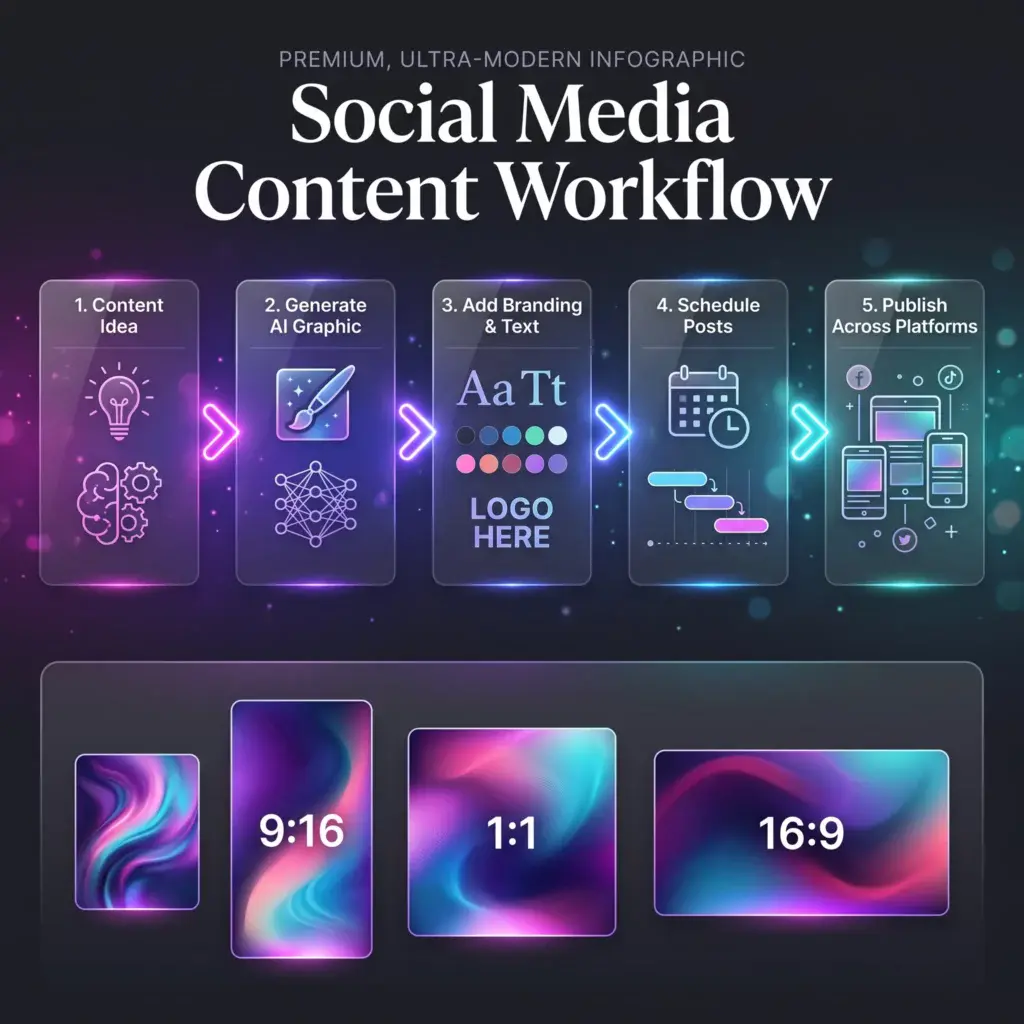
Instead of publishing one design, generate several.
Try changing:
- Colors
- Lighting
- Backgrounds
- Composition
Small differences can have a big impact on engagement.
Plan Seasonal Campaigns
Use Kre8or to create graphics for:
- Holidays
- Product launches
- Sales
- Events
- Company announcements
Planning ahead saves time and keeps your content calendar organized.
Refine with Workshops
If a graphic is almost perfect, refine it instead of starting over.
Improve:
- Mood
- Lighting
- Color balance
- Composition
A few adjustments can make a noticeable difference.
Build a Social Media Asset Library
Save prompts for recurring content such as:
- Quotes
- Promotions
- Tutorials
- Product launches
- Blog posts
- Tips
A reusable prompt library speeds up future content creation.
Common Social Media Design Mistakes
Avoid:
- Too much text
- Weak contrast
- Inconsistent branding
- Busy backgrounds
- Low-quality visuals
Simple, focused graphics often perform best.
Final Thoughts
Creating engaging social media graphics doesn’t have to mean spending hours designing every post.
With thoughtful prompts and a consistent visual style, Kre8or can help you create graphics that strengthen your brand across multiple platforms.
The goal isn’t to create more content.
It’s to create better content.
🚀 Ready to Create Better Social Media Graphics?
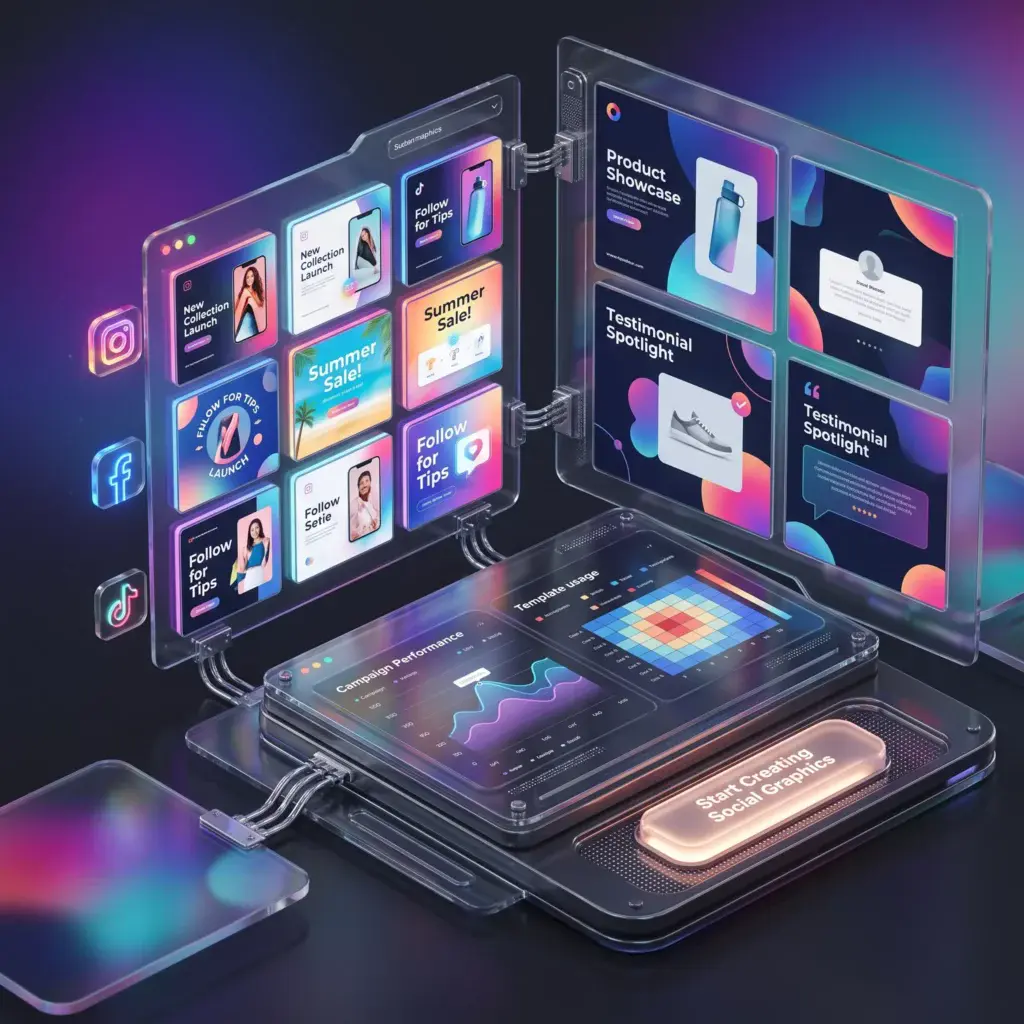
Open Kre8or and start building original visuals that help your brand stand out across every social platform.
👉 Create Your Free Kre8or Account