
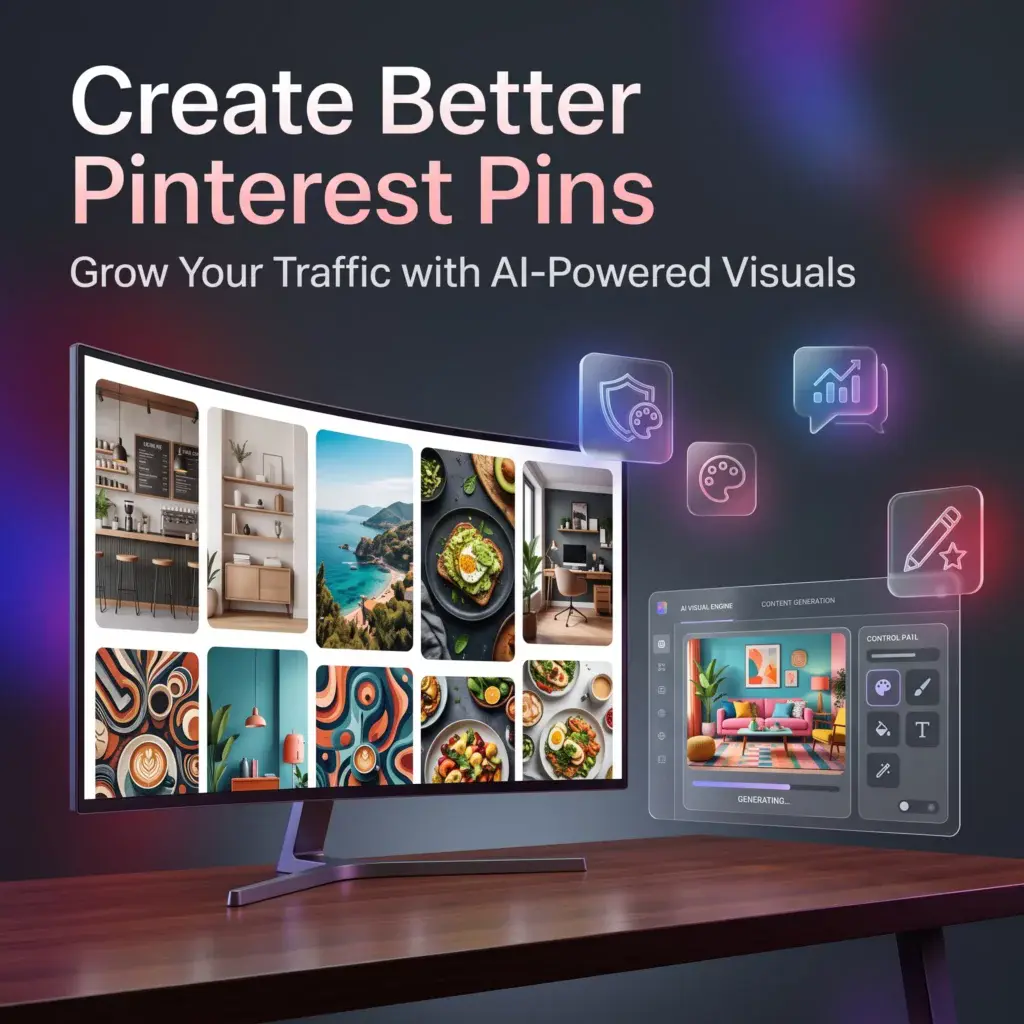
How to Use Kre8or for Pinterest Marketing
🚀 Create Pinterest Pins That Capture Attention
Pinterest isn’t just another social media platform—it’s a visual search engine where eye-catching images can continue driving traffic for months or even years.
Whether you’re promoting blog posts, products, recipes, digital downloads, or affiliate content, creating attractive Pinterest graphics can make a significant difference in how often your content gets noticed.
Instead of relying on generic templates or overused stock photos, Kre8or lets you create original AI-generated visuals that match your brand and the topic you’re promoting.
If you’d like to follow along, create a free Kre8or account and experiment with these ideas as you read.
👉 Create Your Free Kre8or Account
Why Pinterest Images Matter
Pinterest users scroll quickly.
Your image has only a second or two to capture attention.
A strong Pinterest graphic should:
- Clearly communicate the topic.
- Use bold, attractive visuals.
- Stand out in a crowded feed.
- Encourage users to save or click.
Original AI-generated artwork helps your pins look different from the thousands of template-based designs already on Pinterest.
Think Vertical from the Start
Pinterest favors vertical images.
Before generating artwork, imagine how it will appear on a mobile screen.
A tall composition often works better than a wide landscape because it occupies more space in the Pinterest feed.
Planning your composition early reduces the need for heavy cropping later.
Match the Visual to the Content
Your image should immediately communicate what the pin is about.
For example:
Blog Post: 10 Home Office Ideas
Instead of a generic desk photo, create:
A bright modern home office with natural light, indoor plants, minimalist furniture, cozy productivity atmosphere.
The image immediately supports the content.
Leave Space for Headlines
Most successful Pinterest pins include a text headline.
When generating images, leave clean negative space where you can later add your title using your preferred editing software.
Avoid placing important details where text will eventually cover them.
Stay Consistent with Your Brand
If you’re creating multiple pins, use a consistent style.
This might include:
- Similar color palettes.
- Matching illustration styles.
- Consistent lighting.
- Recognizable visual themes.
Brand consistency helps people recognize your content over time.
Create Multiple Variations
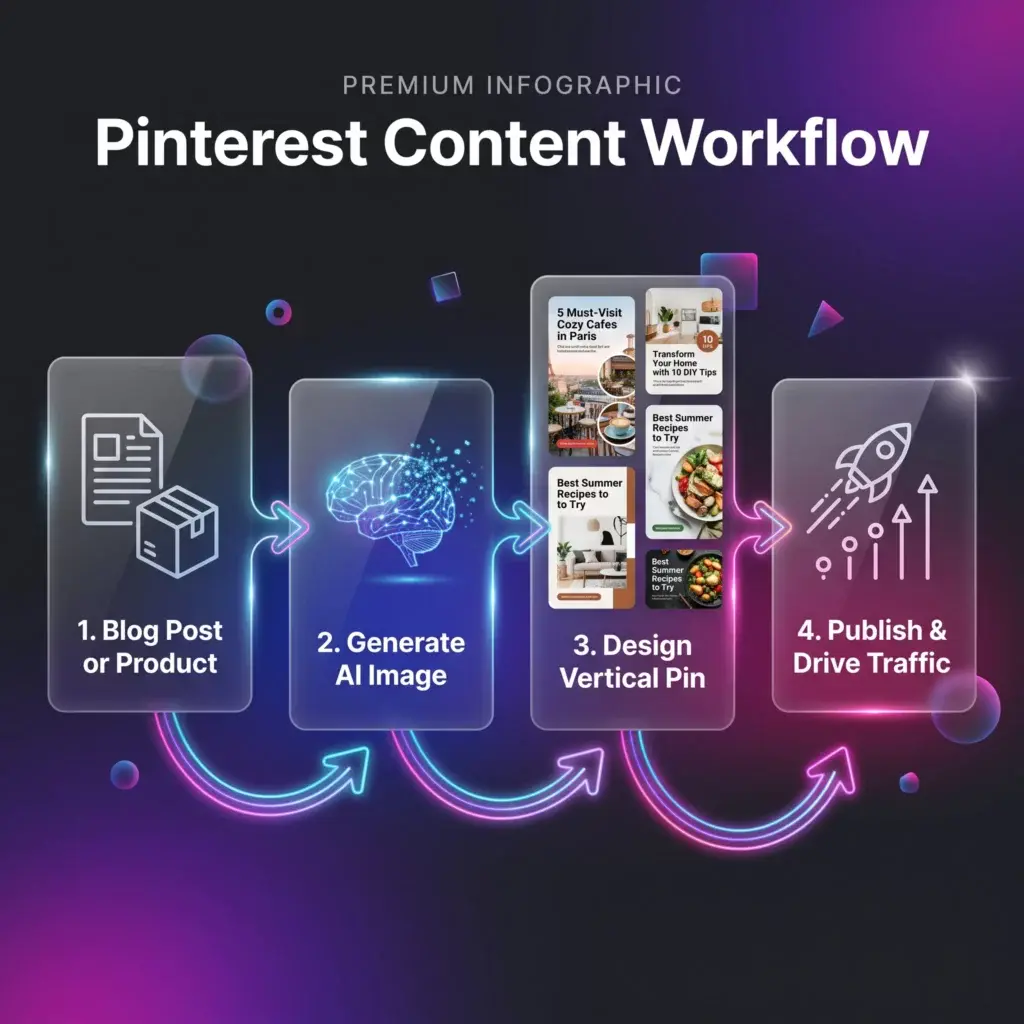
Don’t stop after one design.
Generate several versions by changing:
- Colors
- Backgrounds
- Camera angles
- Artistic styles
Testing different visuals can reveal which types of pins attract the most engagement.
Refine Images with Workshops
If an image is close to what you want, use Workshops to improve it rather than starting over.
Small adjustments to lighting, mood, or composition can make a big difference.
Build a Pinterest Prompt Library
Save prompts that consistently create successful pin graphics.
Organize them into categories like:
- Recipes
- Blogging
- Fashion
- Home Decor
- Business
- Travel
Over time you’ll create faster, more consistent content.
Common Pinterest Design Mistakes
Avoid these common issues:
- Using horizontal images.
- Overly cluttered compositions.
- Weak contrast.
- Generic visuals.
- Text placed over busy backgrounds.
Simple, clean designs usually perform better.
Final Thoughts
Pinterest rewards high-quality visuals.
By combining thoughtful design with original AI-generated artwork, you can create pins that better represent your content while strengthening your brand.
Whether you’re promoting blog posts, affiliate products, or digital downloads, investing a little more time into your visuals can help your content stand out.
🚀 Ready to Create Better Pinterest Graphics?

Start experimenting with custom AI-generated pin designs in Kre8or and discover which styles work best for your audience.
👉 Create Your Free Kre8or Account