
15 Secrets to Creating Stunning AI Images with Kre8or
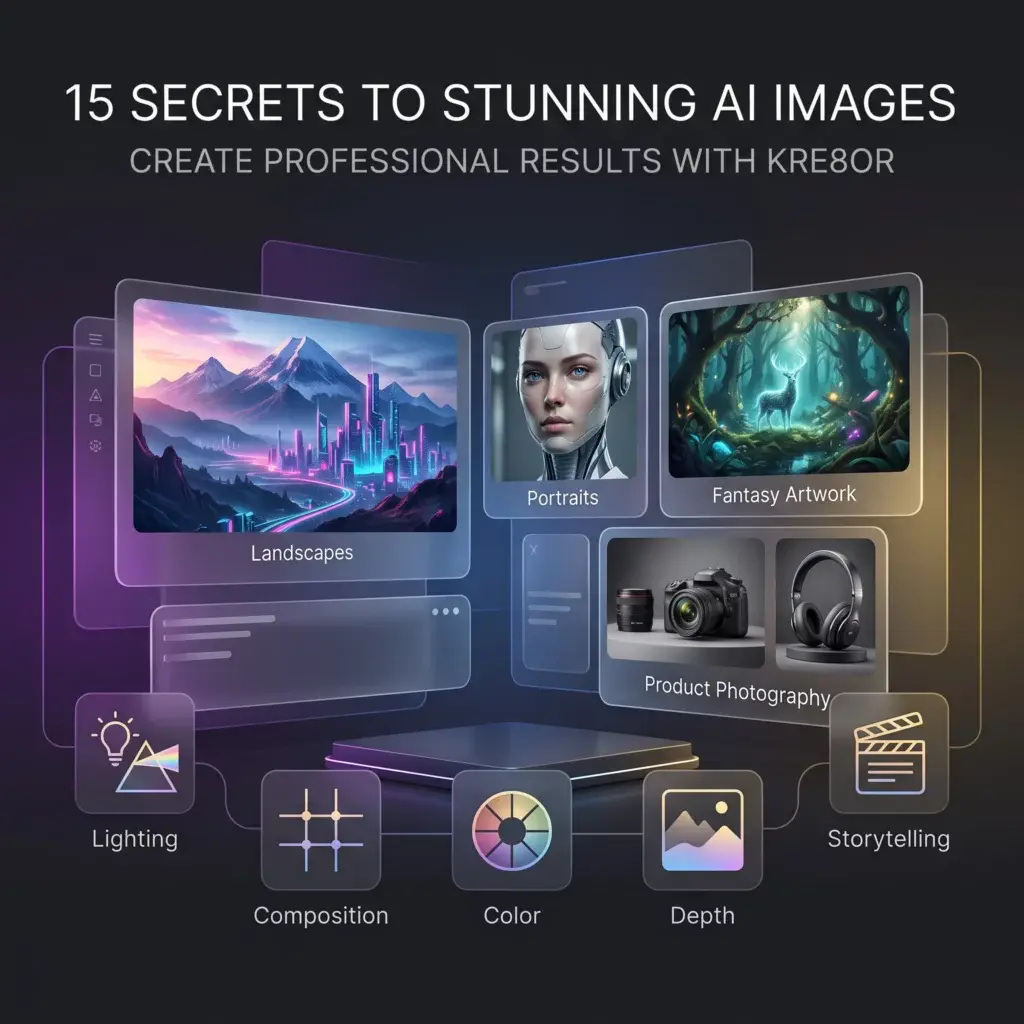
🚀 Great AI Images Aren’t Created by Accident
You’ve probably seen AI artwork that instantly grabs your attention.
Rich lighting.
Beautiful composition.
Professional colors.
Incredible atmosphere.
The surprising part?
Those images usually aren’t the result of a secret prompt.
They’re the result of better creative decisions.
In this guide, you’ll discover 15 practical techniques that can dramatically improve your AI artwork in Kre8or.
Whether you’re creating images for your blog, YouTube channel, business, or personal projects, these ideas will help you produce more polished results.
👉 Create Your Free Kre8or Account
1. Think Like a Photographer
Don’t think about generating an image.
Think about taking a photograph.
Ask yourself:
- Where is the camera?
- What lens would work best?
- What should the viewer notice first?
This simple mindset often produces more natural-looking images.
2. Every Image Needs One Hero
Don’t make everything equally important.
Choose one clear focal point.
Everything else should support that subject.
3. Use Light to Tell the Story
Lighting creates emotion.
Compare:
- Golden sunrise
- Soft studio light
- Stormy skies
- Neon reflections
- Candlelight
Each completely changes the feeling of an image.
4. Keep Your Color Palette Simple
Professional artists rarely use every color.
Try limiting yourself to:
- Warm earth tones
- Cool blues
- Black and gold
- Pastels
- Autumn colors
A controlled palette creates a more polished look.
5. Create Depth
Avoid flat-looking scenes.
Include:
- Foreground
- Midground
- Background
This gives your images a more realistic sense of space.
6. Let the Background Support the Subject
A detailed background is great—but not if it distracts from the main focus.
7. Don’t Chase Perfection
Generate several variations.
Choose the strongest.
Then improve it.
8. Learn From the Gallery

Spend time browsing other creators’ work.
Notice:
- Colors
- Framing
- Lighting
- Styles
Every image becomes a learning opportunity.
9. Improve One Thing at a Time
Instead of rewriting your entire prompt, adjust one element.
This makes it much easier to understand what improves your results.
10. Use Workshops as a Creative Partner
If an image is close to what you want, refine it instead of starting over.
Workshops help improve:
- Mood
- Lighting
- Composition
- Artistic direction
11. Save Your Best Prompts
Don’t rely on memory.
Build a personal prompt library.
Over time, you’ll develop repeatable workflows.
12. Study Real Photography
Professional photographers have already solved many creative problems.
Notice:
- Lighting
- Framing
- Color
- Subject placement
Then apply those ideas in Kre8or.
13. Tell a Story
Instead of creating:
A knight.
Create:
A lone knight returning home after battle during sunset.
Stories create stronger images.
14. Experiment Without Fear
Some of your best artwork will come from trying combinations you never expected to work.
Creativity grows through experimentation.
15. Practice Consistently
No article can replace experience.
The more images you create, the better you’ll become at understanding:
- prompts
- styles
- lighting
- composition
Every generation teaches something new.
Final Thoughts
Professional-looking AI artwork isn’t about finding the perfect prompt.
It’s about developing better creative habits.
Clear ideas.
Good lighting.
Balanced composition.
Thoughtful color.
A willingness to refine your work.
Those small improvements quickly add up.
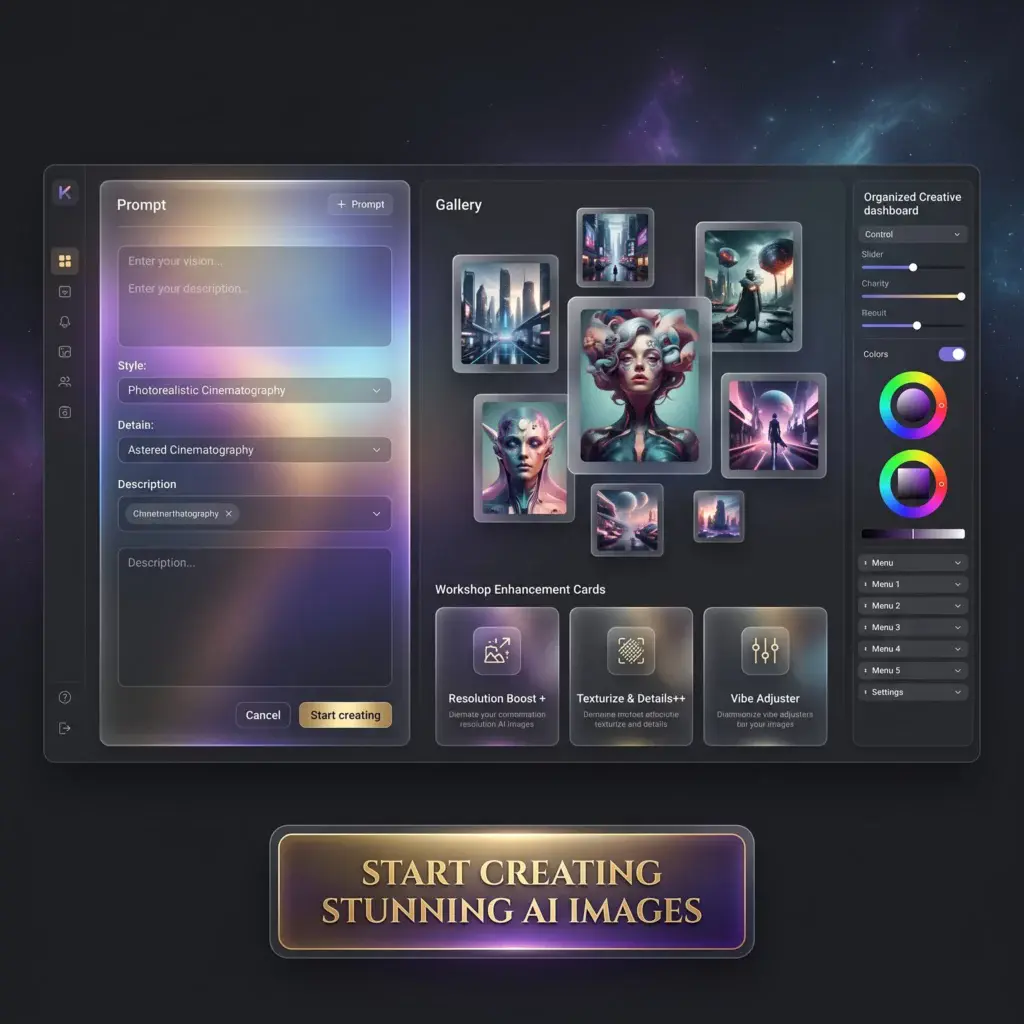
🚀 Ready to Create Better AI Images?
Open Kre8or and put these ideas into practice.
The more intentionally you create, the stronger your artwork will become.
👉 Create Your Free Kre8or Account