
How to Make Your AI Images Look More Professional with Kre8or
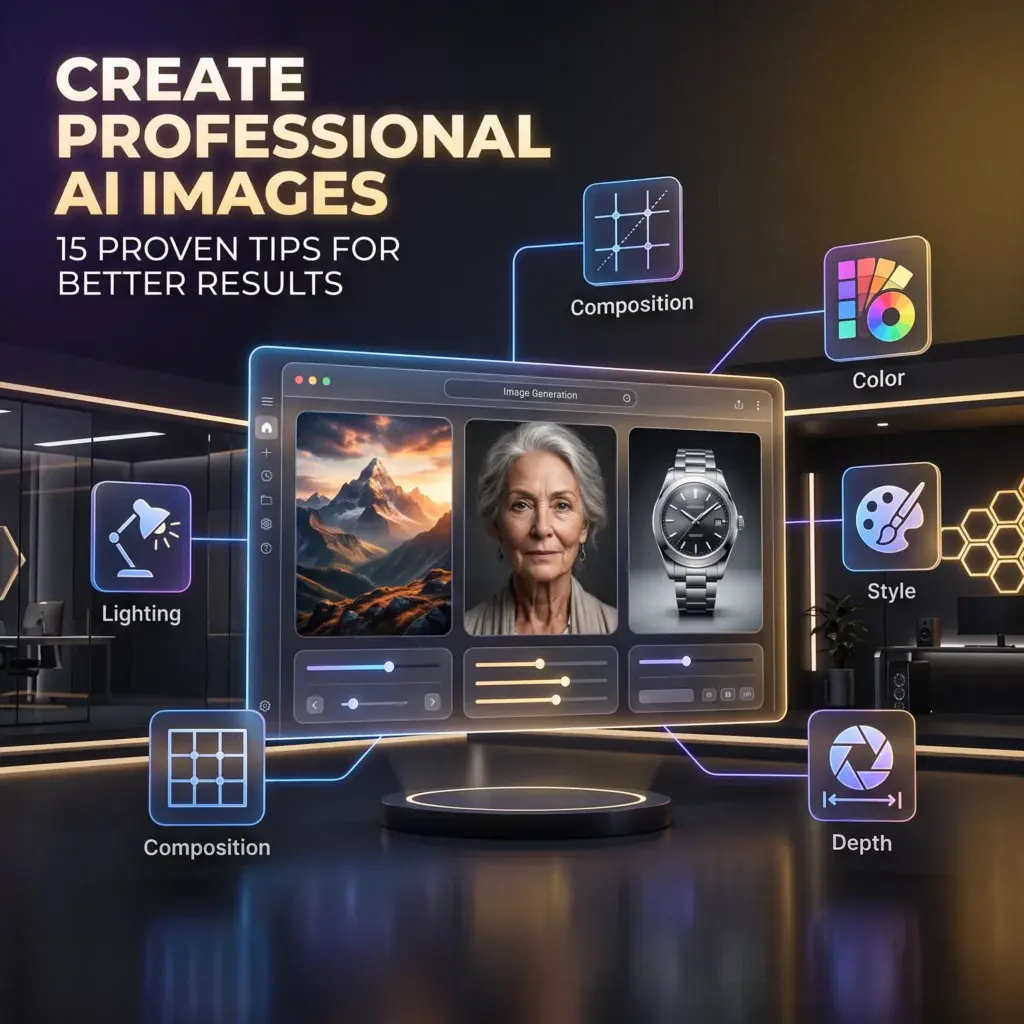
🚀 Create AI Images That Stand Out
Anyone can generate an AI image.
Creating one that looks polished, intentional, and professional is a different skill.
The difference usually isn’t the AI.
It’s the creative decisions you make before clicking Generate.
In this guide, you’ll learn 15 simple techniques that can dramatically improve the quality of your AI artwork using Kre8or.
Whether you’re creating blog graphics, social media posts, marketing visuals, or personal artwork, these tips will help your images stand out.
👉 Create Your Free Kre8or Account
1. Start With a Clear Subject
Professional-looking images begin with a strong focal point.
Instead of:
A city.
Try:
A futuristic skyline overlooking a river at sunset.
A clear subject immediately gives your image purpose.
2. Think Like a Photographer
Professional photographers don’t just point a camera.
They think about framing.
Try adding:
- Wide-angle
- Close-up
- Low-angle
- Bird’s-eye view
- Portrait composition
Small changes often create much stronger visuals.
3. Use Better Lighting
Lighting creates atmosphere.
Experiment with:
- Golden hour
- Soft studio lighting
- Dramatic shadows
- Neon reflections
- Sunset glow
Lighting is often the fastest way to improve an average image.
4. Keep the Background Simple
Busy backgrounds compete with your subject.
Professional artwork usually has one clear focal point.
5. Choose One Style
Mixing anime, watercolor, realism, and comic book styles rarely works well.
Choose one artistic direction and commit to it.
6. Add Depth
Images feel more realistic when they include:
- Foreground
- Midground
- Background
This creates visual layers instead of a flat scene.
7. Use Color Intentionally
Professional artists limit their palettes.
Try descriptions like:
- Warm earth tones
- Cool blue palette
- Black and gold luxury
- Pastel colors

8. Focus on Mood
Ask yourself:
How should this image feel?
Words like:
- Peaceful
- Mysterious
- Dramatic
- Cozy
- Epic
help shape the final result.
9. Leave Space for Text
If you’re creating:
- Blog headers
- YouTube thumbnails
- Social posts
leave empty areas where text can be added later.
10. Generate Multiple Versions
Rarely is the first image the strongest.
Generate a few variations before choosing your favorite.
11. Refine Instead of Restarting
Don’t throw away an image that’s close.
Use Workshops to improve lighting, composition, and artistic direction before starting over.
12. Study Great Artwork
Browse the Kre8or Gallery.
Pay attention to:
- Composition
- Colors
- Lighting
- Prompt ideas
Learning from others accelerates your own progress.
13. Build a Prompt Library
Save prompts that consistently produce excellent results.
Over time, you’ll create your own collection of proven formulas.
14. Practice One Skill at a Time
Instead of changing everything, focus on improving one area:
- Lighting today
- Composition tomorrow
- Color next week
Steady improvement produces the biggest gains.
15. Be Patient
Professional-quality AI images don’t usually happen by accident.
Experiment.
Refine.
Learn.
Repeat.
Every image teaches you something.
Final Thoughts
Creating professional AI artwork isn’t about discovering secret prompts.
It’s about making better creative decisions.
Clear subjects.
Thoughtful lighting.
Strong composition.
Consistent artistic styles.
And a willingness to refine your work.
The more intentionally you create, the better your results become.
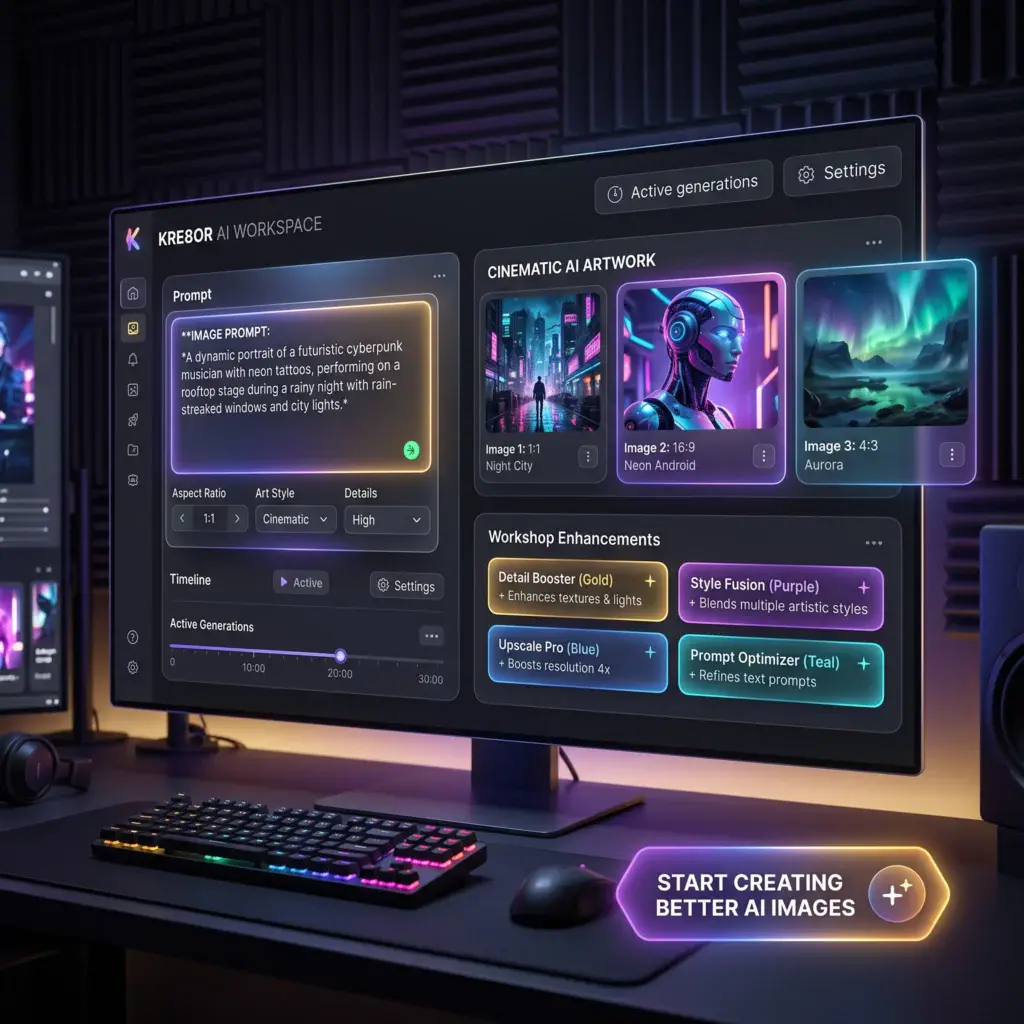
🚀 Ready to Improve Your AI Images?
Try these techniques inside Kre8or and compare your next generation with your previous one.
Small improvements quickly become major creative progress.
👉 Create Your Free Kre8or Account